









Your gaming PC shouldn't roar like a jet engine whenever you fire up Cyberpunk. But somehow we've accepted poor airflow and noise that rivals a vacuum cleaner. Good cooling does more than stop your CPU from throttling during those late-night raids. It keeps components alive longer, performance steady, and prevents your mic from broadcasting that constant whirring sound to everyone on Discord. Fan technology has come a long way. What's available in 2025 would have been hard to imagine even a few years ago.
TL;DR
- Noctua NF-A12x25 PWM remains king despite its polarizing beige-brown aesthetic.
- Lian Li UNI FAN P28 delivers insane static pressure at 5.28 mm H₂O, perfect for dense radiators.
- Arctic P12 PWM PST 5-pack gives you near-premium performance at $30-35 total.
Why Your Choice of PC Fan Matters More Than You Think
Bad fans create a domino effect. High temperatures force throttling. Throttling kills performance. Excessive noise drives you insane during productive work. And long-term? Heat degrades components faster than anything else.
Here's what proper fan selection impacts:
- Temperature management: Good fans can drop CPU/GPU temps by 8-15°C compared to stock solutions
- Acoustic comfort: Modern quiet pc fans operate at library-level volumes (under 25 dBA) even under load
- Overclocking headroom: Better cooling = more stable boosts and manual OC potential
- Component longevity: Every 10°C reduction in operating temp roughly doubles component lifespan
- Energy efficiency: Efficient fans move more air per watt, saving power long-term
In-Depth Reviews of the Best Case Fans 2025
1. Noctua NF-A12x25 PWM
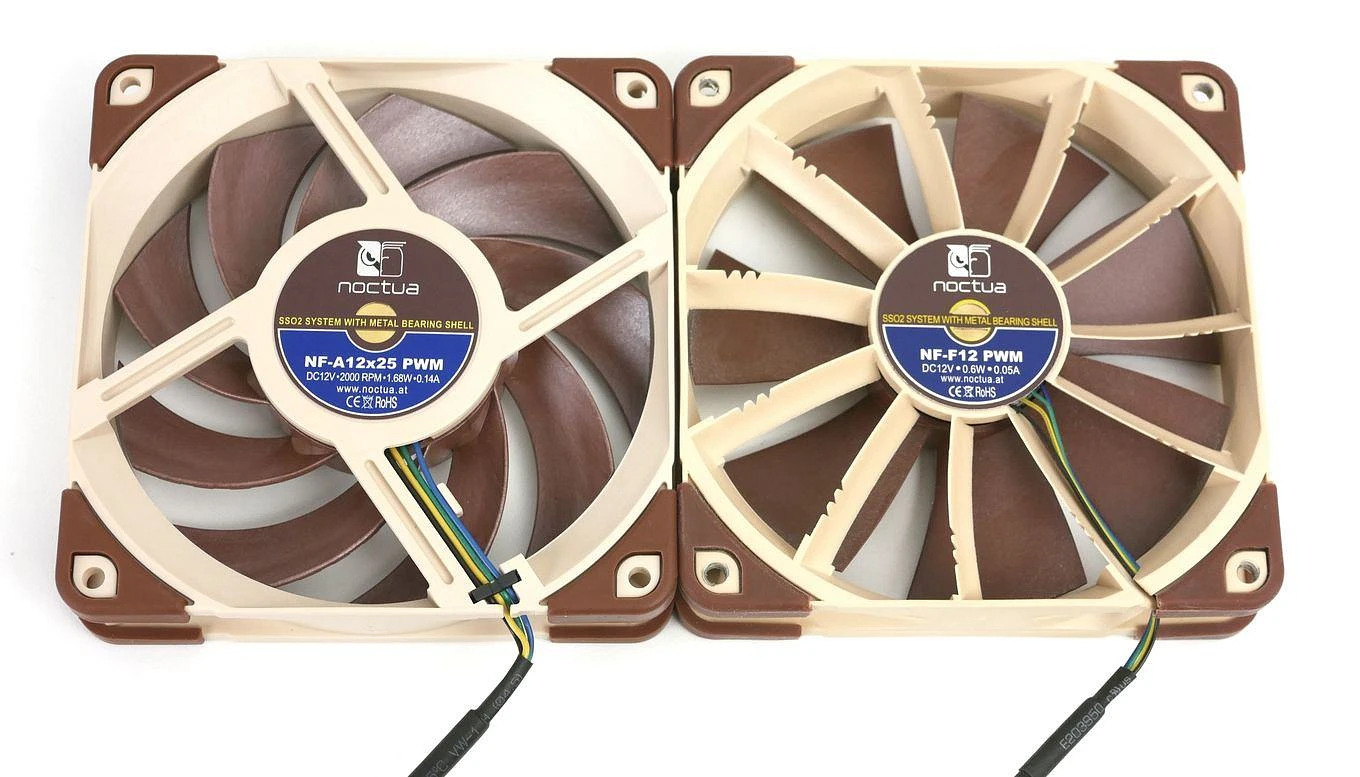
Specs at a glance:
- Size: 120mm
- Bearing: SSO2
- Speed: 2000 RPM
- Airflow: 102.1 m³/h
- Static Pressure: 2.34 mm H₂O
- Noise: 22.6 dBA
- PWM: Yes
Noctua's A12x25 remains the gold standard five years after release. That beige-brown color scheme? Yeah, it's still divisive. But if you care about function over Instagram aesthetics, nothing matches its acoustic efficiency across the performance curve.
This fan excels everywhere. Mounted as exhaust? Whisper-quiet. Strapped to a CPU cooler? Handles static pressure beautifully. Radiator duty? Absolutely crushes it. The included anti-vibration pads and adapter cables show Noctua actually gives a damn about user experience.
The only real con: price. At $35-40 per fan, you're paying premium. But you get what's essentially a "set it and forget it" solution backed by a 6-year warranty.
2. Lian Li UNI FAN P28 120mm
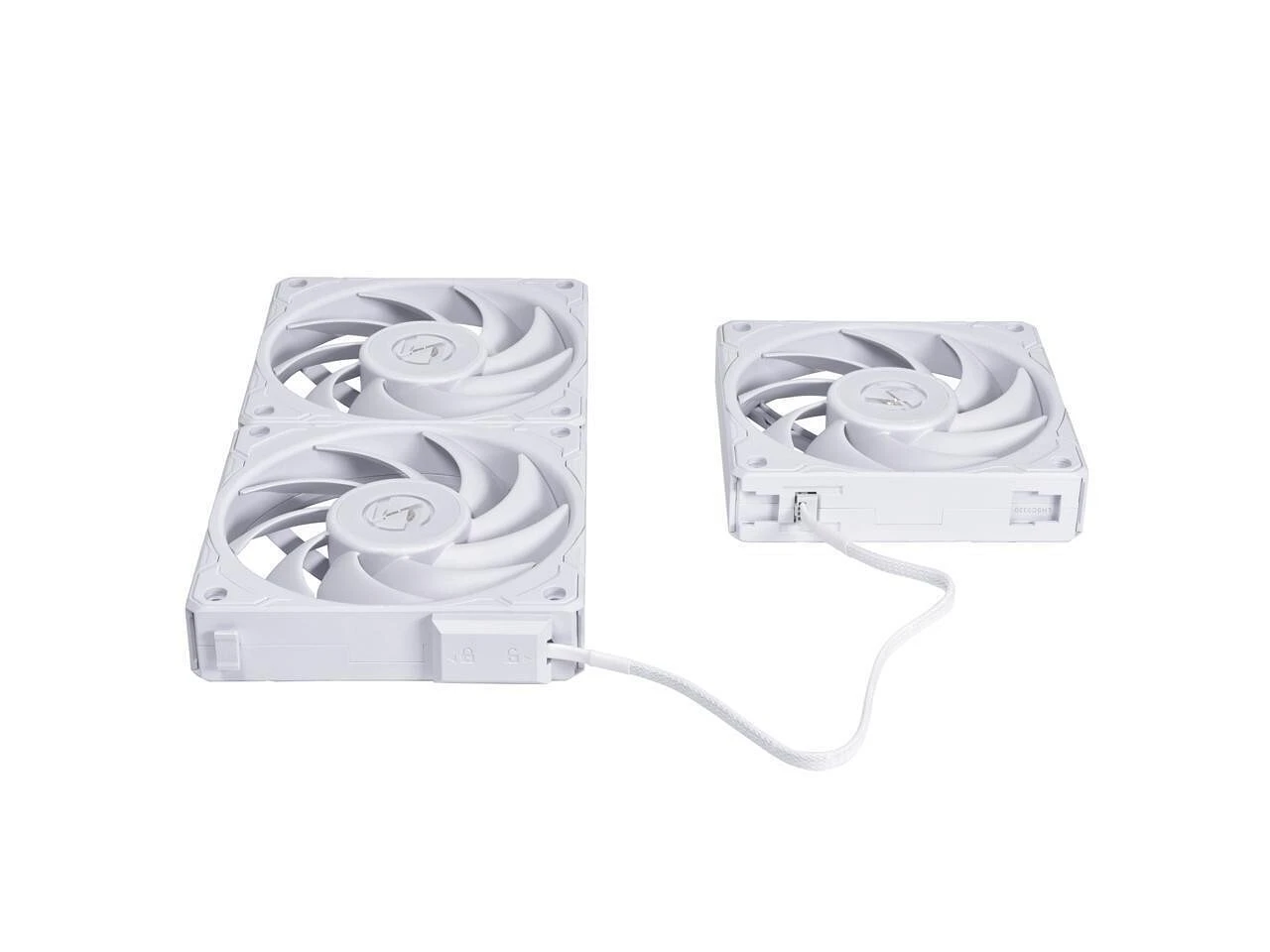
Specs at a glance:
- Size: 120mm
- Bearing: Magnetic Center
- Speed: 3500 RPM (PWM)
- Airflow: 88.1 CFM
- Static Pressure: 5.28 mm H₂O
- Noise: Up to 36.6 dBA
- Features: Anti-vibration rubber pads, daisy-chain connectivity
When you need serious cooling and don't mind some noise, the UNI FAN P28 enters beast mode. That 5.28 mm H₂O static pressure rating isn't a typo—this fan earned it by spinning at an absolutely bonkers 3500 RPM maximum.
Perfect for high-TDP systems running overclocked 14900K or Ryzen 9 processors where thermal limits become your main bottleneck. Competitive overclockers love these for pushing extreme cooling setups.
Reality check: at max RPM, you'll hear it. That 36.6 dBA rating makes itself known. But dial it back to 70-80% via custom curves, and you get fantastic performance with manageable acoustics. The daisy-chain feature simplifies cable management if you're running multiple units.
3. Arctic P12 PWM PST (5-Pack)
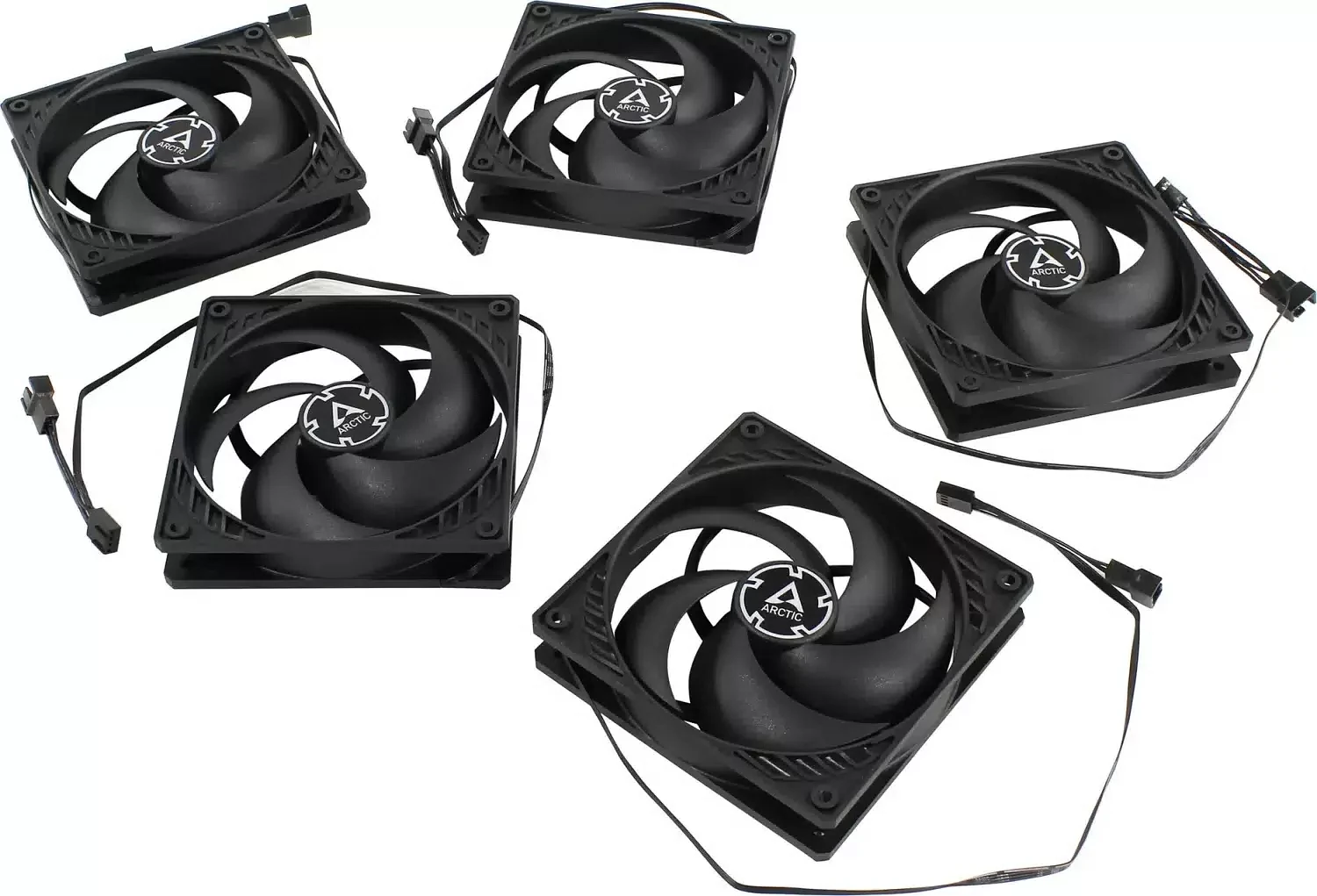
Specs at a glance:
- Size: 120mm
- Bearing: Fluid Dynamic
- Speed: 1800 RPM
- Airflow: 56.3 CFM
- Static Pressure: 2.2 mm H₂O
- Noise: 22.5 dBA
- Feature: PST (PWM Sharing Technology) for daisy-chaining
Here's where budget meets performance. Arctic's P12 5-pack typically sells for $30-35, making each fan cost about $6-7. Let that sink in. You're getting fluid dynamic bearings, PWM control, and respectable specs for less than a decent lunch.
PST (PWM Sharing Technology) allows daisy-chaining without splitters—connect one fan to your motherboard header, then link additional fans in series. Cable management simplified.
Performance sits slightly below Noctua territory, but we're talking 5-10% differences for 75% cost savings. Some units exhibit minor motor hum at specific RPM ranges (typically around 1200-1400 RPM), but adjusting your fan curve usually eliminates it.
If you're building your first proper gaming PC or upgrading an older system, grabbing this 5-pack is a no-brainer move.
Conclusion
Pick your cooling fans based on what matters most to you. Silence is priority? Noctua has you covered. Performance enthusiasts wanting RGB and strong airflow should check out Lian Li. Budget-minded builders can grab Arctic 5-packs and hit 90% of premium performance for 25% of what you'd otherwise spend. Whatever your choice, ditch those noisy stock fans. Your ears and components will both appreciate it.
FAQ
How many case fans do I actually need for good airflow?
Minimum viable setup: two fans (one intake front, one exhaust rear). Sweet spot for most builds: 3-4 fans creating positive pressure (more intake than exhaust reduces dust buildup). Enthusiast territory: 6+ fans, but diminishing returns kick in hard after four unless you're cooling extreme hardware.
Is a higher RPM fan always better?
Nope. Higher RPM increases noise exponentially while airflow gains taper off. A 2000 RPM fan might only move 15-20% more air than a 1500 RPM model but produce 50% more noise.
Can I mix and match different fan brands and models in one PC?
Absolutely. Uniformity looks cleaner, but mixing brands won't hurt performance. Just keep intake and exhaust roles consistent. Balance overall CFM between intake and exhaust to maintain neutral or slightly positive pressure.