









TL;DR
- Cooling pad - Keeps temps down, extends laptop life
- Ergonomic stand - Fixes your posture, saves your neck
- Portable SSD - Extra storage that moves with you
- Protective backpack - Shields your investment from bumps and drops
- USB-C docking station - Turns one port into a full command center
Why you need accessories for your new laptop
So you've unboxed your new laptop. It performs exceptionally, and all your tasks can now be finally completed.
Your setup isn't complete yet, though. Without some essential gear, you're leaving performance, comfort, and protection on the table.Accessories act like insurance for your digital life. They help your machine run cooler and keep data safer. On top of that, they stop your posture from resembling a question mark and make daily use way more manageable.
1. Laptop Cooling Pad
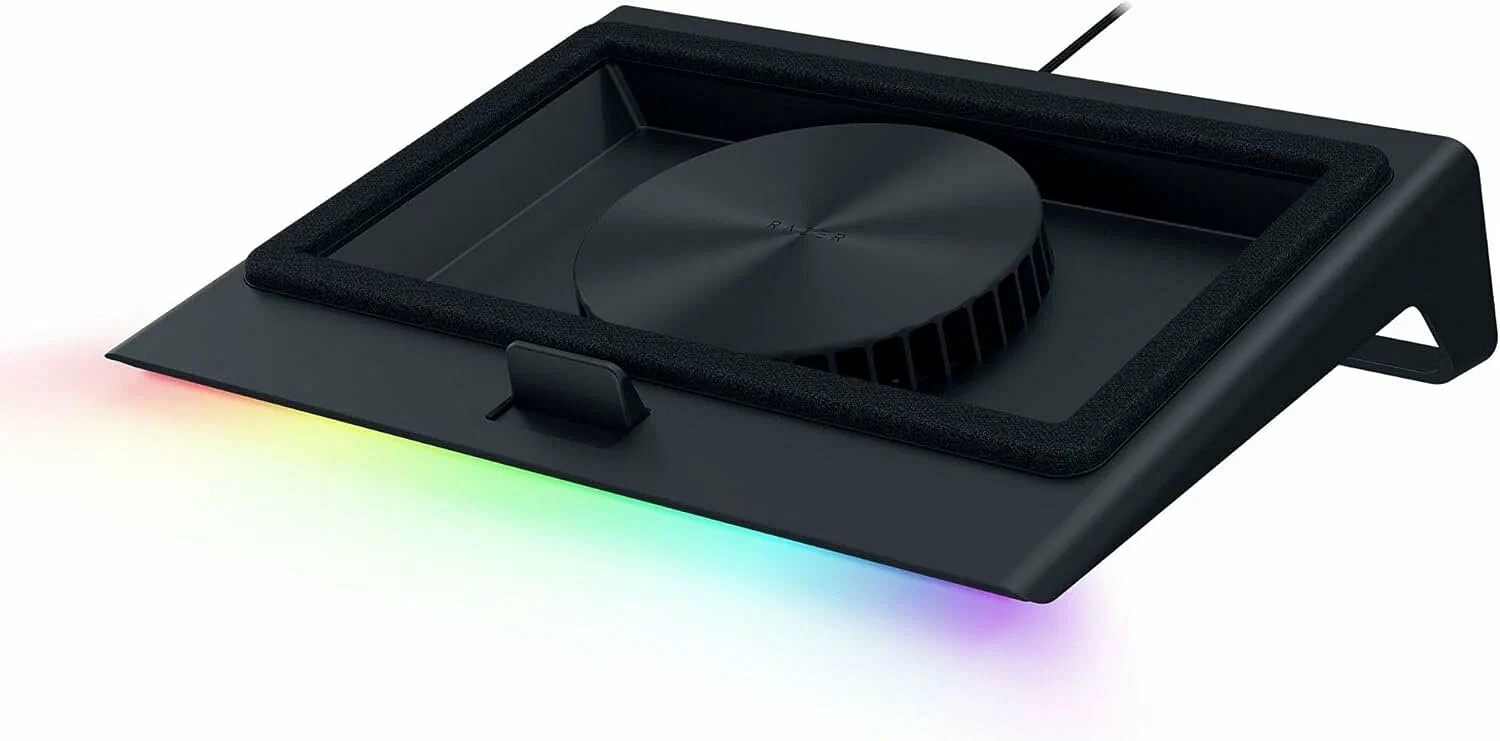
Your laptop gets hot during Netflix binges or gaming sessions - almost like a stovetop. A cooling pad solves this problem nicely.
Razer's Laptop Cooling Pad makes a good choice. Adaptive fans automatically adjust their speed based on temperature. Its metal build stays sturdy and won't wobble when you're typing away. Air flows freely underneath while your laptop sits securely on top.
Why you need it:
- Prevents thermal throttling that slows performance
- Extends hardware lifespan by reducing heat stress
- Quieter operation since your laptop's internal fans don't need to work overtime
2. Ergonomic Laptop Stand
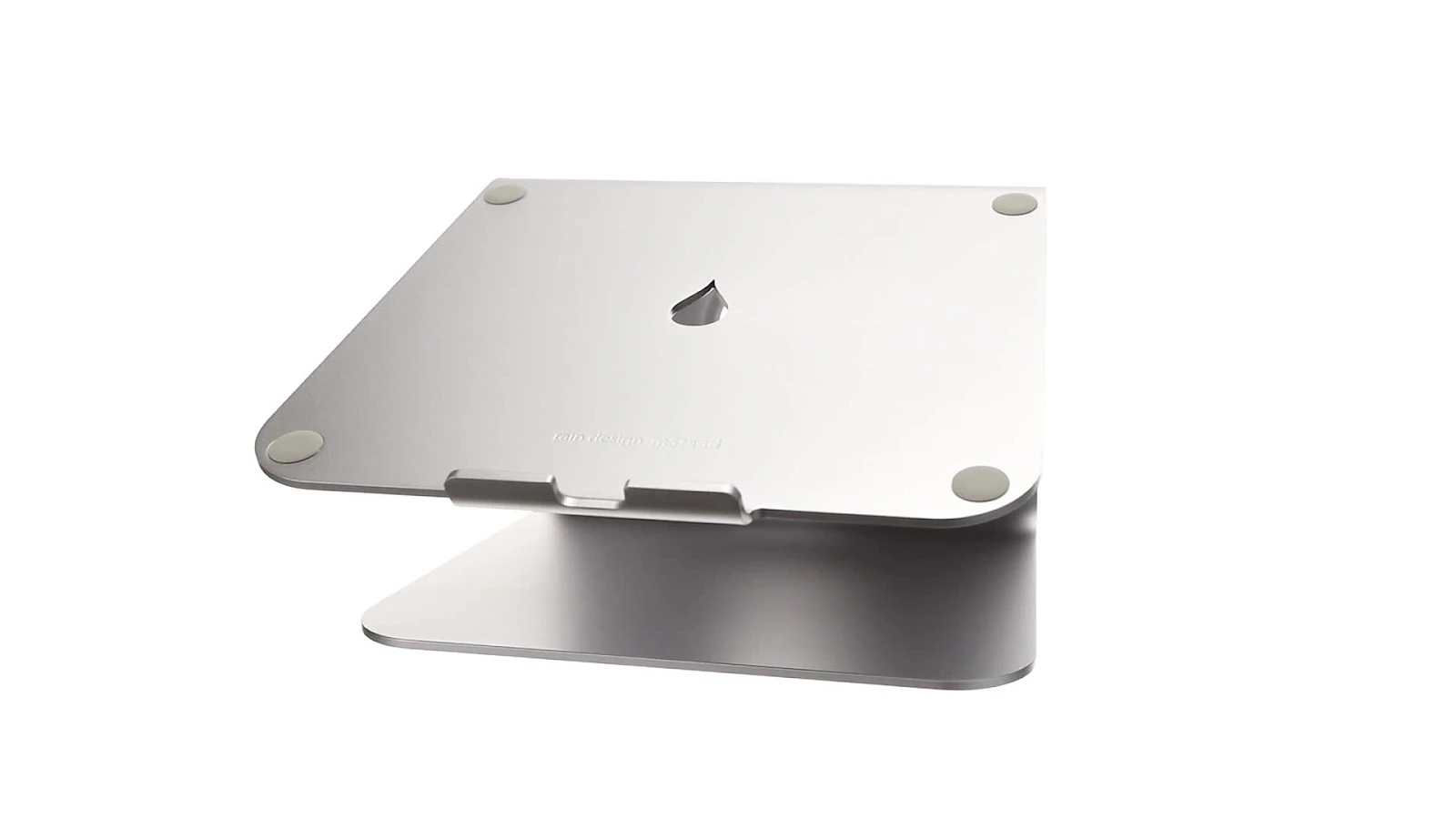
Staring down at a flat laptop for hours? Say hello to neck strain and goodbye to productivity. A proper laptop stand fixes this mess.
The Rain Design mStand is built from a single piece of aluminum, matching that premium MacBook aesthetic while elevating your screen to eye level. It's not adjustable, but the fixed height is spot-on for most desk setups.
Benefits breakdown:
- Improved posture = less pain during long work sessions
- Better airflow underneath your laptop
- Frees up desk space for keyboard and mouse
- Cable management slot keeps things tidy
3. Portable SSD for Extra Storage
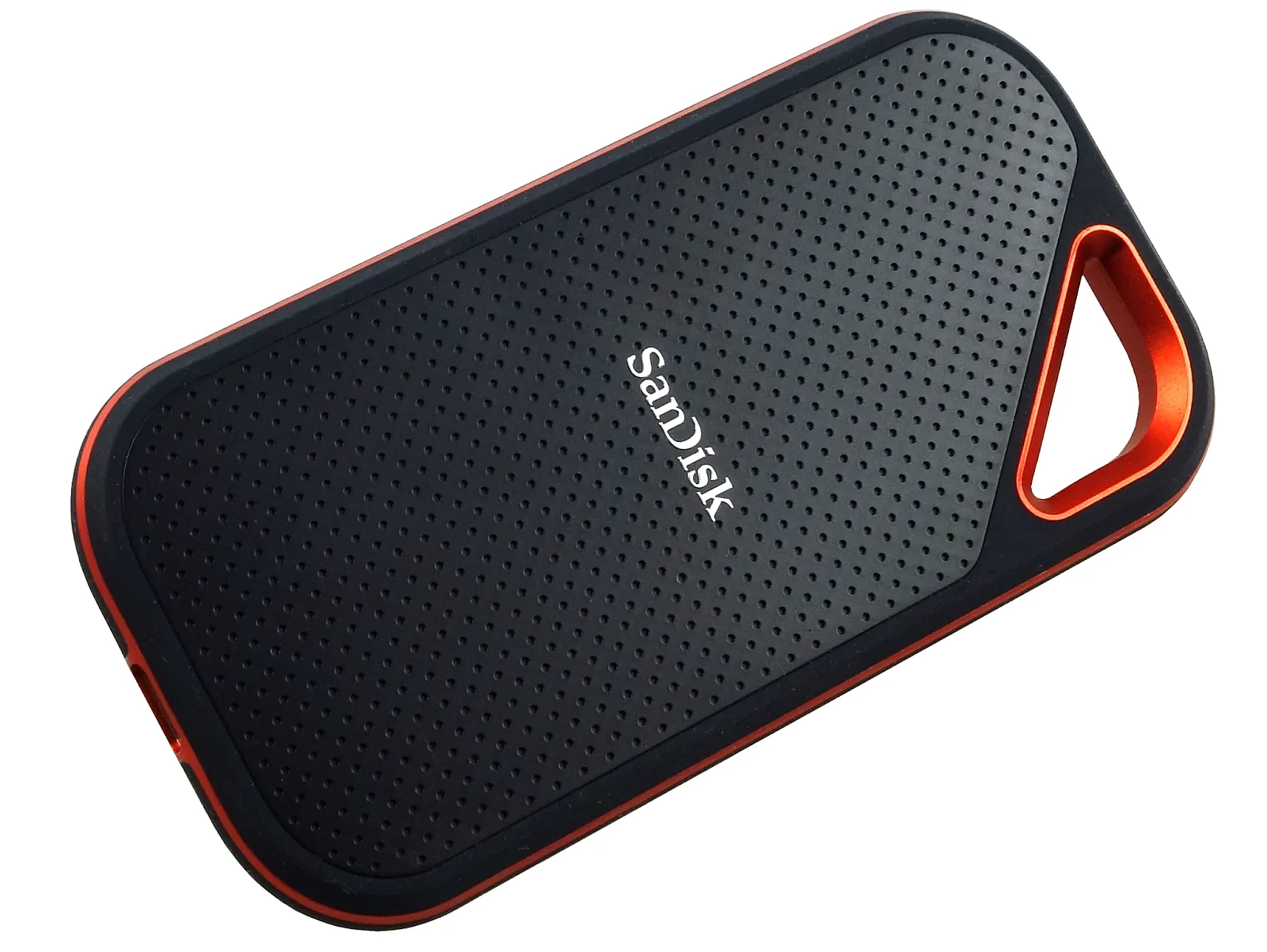
Internal storage fills up faster than you'd think. Photos, videos, games, work files - they all pile up quick. A portable SSD handles this problem without breaking a sweat.
SanDisk Extreme Portable SSD delivers read speeds up to 1050MB/s. Moving large files takes seconds instead of minutes. It's drop-proof up to two meters and has an IP55 rating for dust and water resistance. Built like a tank, basically.
Perfect for:
- Backing up important documents
- Storing photo and video libraries
- Gaming on the go
- Transferring files between devices
4. Protective Laptop Backpack
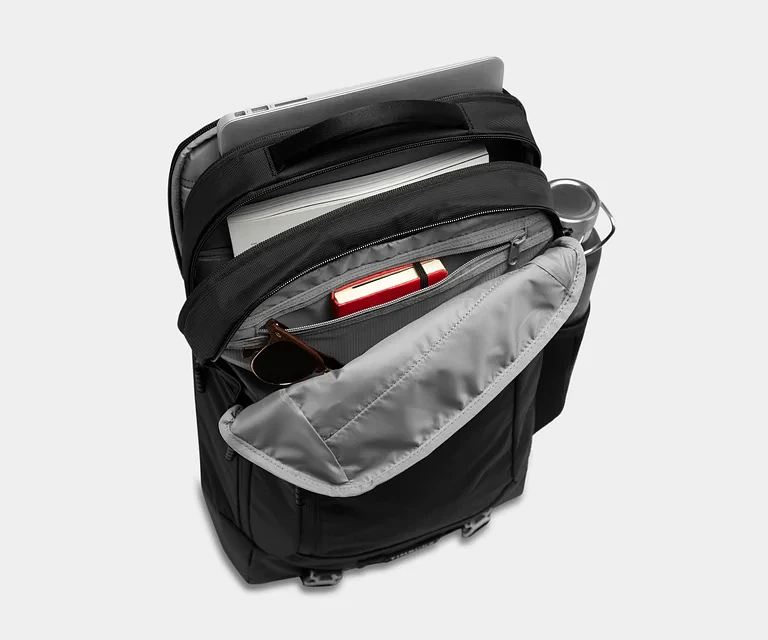
Your laptop cost a lot. Throwing it in just any bag is asking for trouble. You need a dedicated laptop backpack with proper padding.
Timbuk2 Authority Laptop Backpack gets protection and organization right. It features a suspended, padded compartment that keeps your machine safe from impacts. Multiple pockets handle chargers, cables, and everyday carry items.
Key features:
- TSA-friendly design for quick airport security
- Weather-resistant exterior fabric
- Comfortable shoulder straps for all-day carry
- Separate tablet sleeve
5. USB-C Docking Station
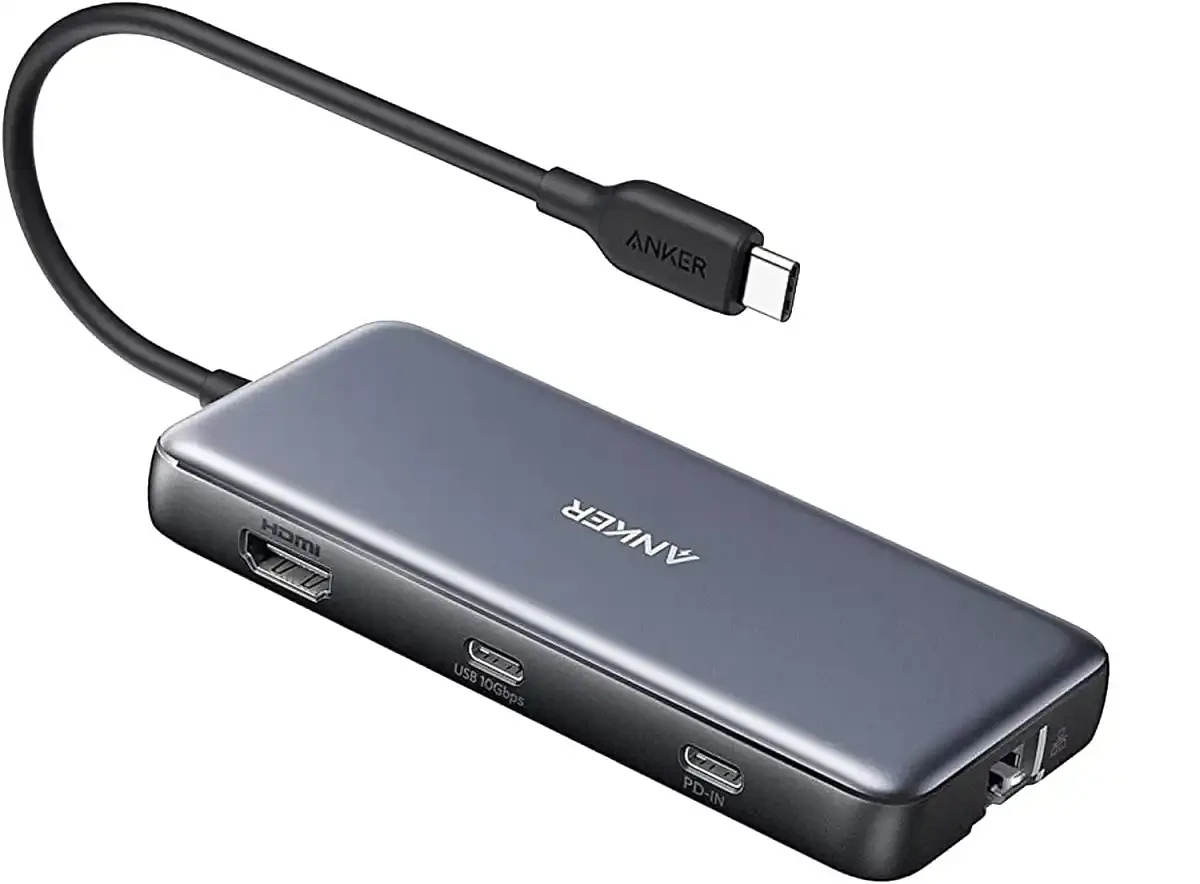
Modern laptops go slim. That means fewer ports to work with. One or two USB-C ports won't do when you've got multiple peripherals to plug in. That's where docking stations come in handy.
Anker's 555 USB-C Docking Station takes a single USB-C port and turns it into a full workstation hub. Inside you'll find HDMI output for connecting an external monitor, USB-A ports that work with older devices, Ethernet for reliable internet, and an SD card reader too.
What it adds:
- Dual monitor support via HDMI
- Multiple USB-A ports (3.0 speeds)
- Ethernet port for wired connection
- 85W power delivery to charge your laptop simultaneously
FAQ
Which accessory is the most important for a new laptop?
For desk, an ergonomic stand prevents serious neck and back issues. If you're mobile, invest in a protective backpack first. But if we're talking universal value, a docking station wins - it instantly upgrades port selection and makes any laptop more versatile.
Are laptop cooling pads worth it?
Absolutely. If you game, edit videos, or run demanding software, cooling pad is a must. It prevents thermal throttling. Your laptop maintains peak performance instead of slowing down when temps rise. Cooler temps equal longer hardware lifespan.
Can I use a laptop stand with an external keyboard?
Raising your screen to eye level while typing on an external keyboard gives you proper ergonomics. Head straight, shoulders relaxed, wrists neutral. Most people pair a stand with a wireless keyboard and mouse. It provides a full desktop-style experience.