








🎯Too Long; Didn’t Read
Top models here:
-
G900Pro (best premium mirror cam);
-
G900 TriPro Cabin (best rideshare/interior);
-
G900 TriPro Bumper (best trucks/off-road);
-
G840S (best value mirror cam);
-
X5 Mini (best compact 3-channel).
Avoid common setup mistakes (bad angle, cheap SD card, glare).
Buy from major retailers if you want easy returns and broad price comparisons.
Buy from specialized/brand stores like Wolfbox if you want the newest lineup, correct accessories, and direct support.
Consider the dash cam. It’s a simple move for road protection. Think about a parking lot hit-and-run. A disputed right-of-way. A minor fender-bender. Clear video turns that chaos into a clean insurance case. But don’t just grab the highest resolution model. Sensor quality matters. Night performance matters. Will it freeze in winter? Bake in a hot car? Storage is a factor. Can you review the footage easily, or is it a hassle?
This guide breaks it down. We focus on features that help in real driving: daily commutes, rideshare gigs, long hauls, full coverage. Match the cam to your car and your habits. You can narrow it down.
How we chose (testing + criteria)
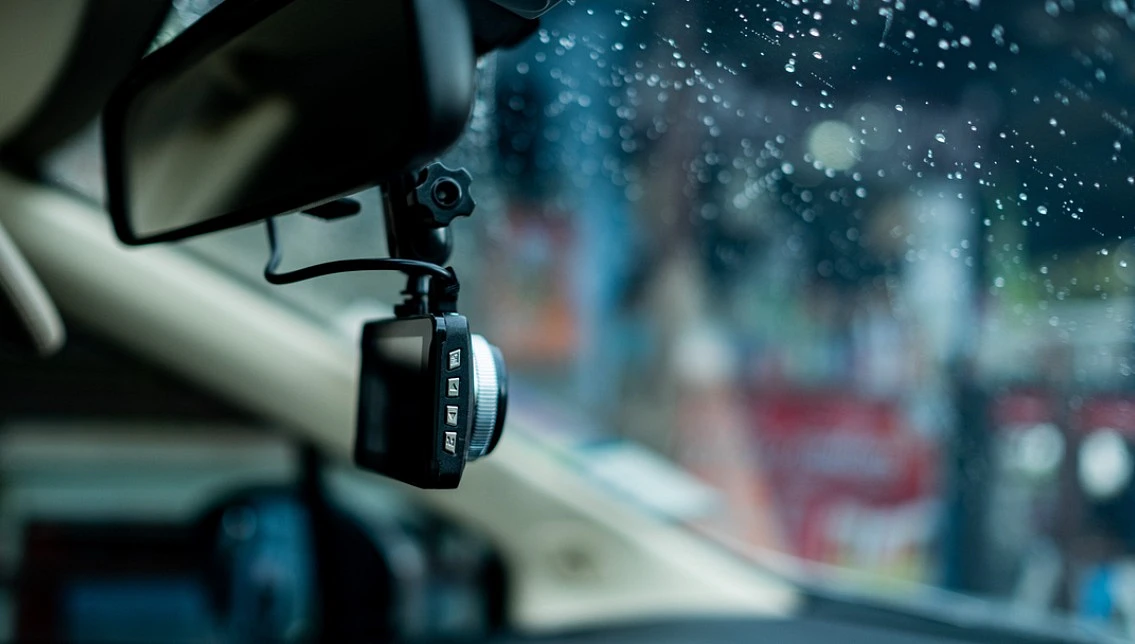
This list sticks to what actually matters on the road, ignoring pure specs.
-
We started with the video itself: daytime clarity, night footage you can actually use, and catching critical details - a lane change, a rear-end hit.
-
Reliability was next. Does it handle summer heat? Record steadily? Loop without glitching?
-
Then, ownership: installation shouldn’t be a puzzle. Controls need to make sense. Pulling footage - via screen or app - has to be painless.
-
For multi-camera systems, we asked if the extra views - rear, cabin - give real coverage or just clutter.
-
Finally, value. Price versus features: parking modes, GPS, other add-ons. The goal is options that fit different wallets and needs.
Where should you buy dash cams (popular retailers vs specialized stores)
For dash cams, you’ve got two basic paths. Hit up the major retailers - your standard massive marketplaces and electronics giants. The appeal is obvious. Shipping is often faster. Returns? Usually a breeze. You can scroll through a dozen brands in minutes, comparing prices at a glance.
But those listings turn into a mess. Bundles get confusing, mixing essential and pointless extras. Older models stick around, cluttering search results.
Now, consider the specialized route: brand websites like Wolfbox. This is where you find the full, current lineup. The accessory options make sense - specific hardwire kits, matching mounts, additional cameras for a complete system. Support comes directly from the source, along with warranty handling. Brand promotions and installation bundles appear here.
So here’s the game plan. For most folks, a major retailer works as a first stop if hassle-free returns matter - maybe you’re unsure about fit. But if you want the latest model, precise add-ons, and predictable support, the specialized store is the better bet.
Best dash cams for drivers
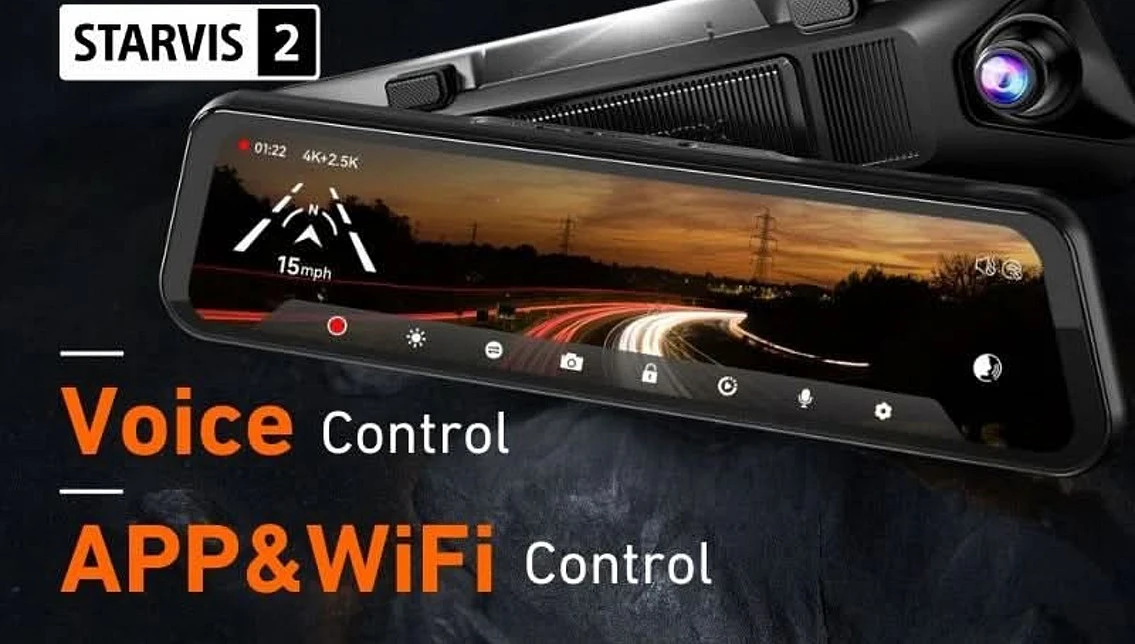
WOLFBOX G900Pro (12MP / STARVIS 2)
WOLFBOX positions its G900Pro as the flagship mirror-style dash cam. Target audience? Drivers who demand clear evidence and want to modernize their rearview.
Central to its design is a 12MP Sony STARVIS 2 sensor. This component focuses on improved detail, specifically in low light. The practical result: license plates become more readable after dark. Nighttime scenes gain clarity.
The unit replaces your standard mirror with a continuous digital display. This streams a sharp feed from the front camera alongside the rear view. That second angle aids visibility for maneuvers like lane changes or reversing.
Built-in Wi-Fi enables quick clip review directly on a phone. Important recordings download for sharing or safe storage. Operation can be hands-free through promoted voice commands, a feature intended to maintain driver focus on the road.
For premium video quality packaged within a sleek mirror form, the G900Pro remains a contender.
WOLFBOX G900 TriPro (Cabin Version, 3-Channel)
The WOLFBOX G900 TriPro (Cabin Version) covers three angles: front, rear, and the cabin itself. That third channel changes everything. Rideshare drivers, families, anyone wanting a full record - this one’s for you.
Standard setups miss the interior. This doesn’t. The cabin camera uses infrared, so low light doesn’t hide a thing. Evidence stays clear after dark.
It’s a mirror-style display. You get a wide digital rearview while the system records all channels continuously. Reviewing footage is straightforward - Wi-Fi lets you pull videos directly to your phone. GPS support is also included, tagging location data.
For accountability, the three-way view is the main point. Convenience comes from the design and connectivity. It documents the complete scene.
WOLFBOX G900 TriPro (Bumper Version, 3-Channel)
The WOLFBOX G900 TriPro adds a third eye to the usual dash cam setup. Its bumper-mounted camera looks down and forward - a game-changer for trucks or off-road rigs. That low angle catches what the windshield unit misses: curbs, rocks, trail debris.
The system feeds all three views to a mirror display. This becomes a wide digital rearview, useful in traffic and essential for squeezing into tight spots.
For convenience, it connects via Wi-Fi to grab clips straight to your phone. Built-in GPS stamps recordings with location and speed. The result is full-time coverage plus a genuinely useful extra perspective. If your vehicle’s front end needs watching, the bumper version is the practical pick.
WOLFBOX G840S (12" 4K Mirror Dash Cam)
The WOLFBOX G840S gives you a 12-inch digital rearview mirror that records in 4K out front and 1080p from the back. Think of it as a bigger, clearer window behind you - without the flagship price tag. Drivers get a continuous split-screen view of both angles. That simplifies lane changes and reverse maneuvers, especially in hectic traffic.
The form factor is familiar: a mirror cam that integrates into most cars without standing out. For sharp footage, a large screen, and no headache setup, the G840S delivers solid bang for your buck.
WOLFBOX X5 (Mini, 3-Channel)
The WOLFBOX X5 (Mini, 3-Channel) caters to drivers seeking comprehensive coverage while keeping the factory rearview mirror. Its smaller, low-profile build allows for a discreet, almost stealthy install. This unit captures three separate feeds - front, rear, and interior—delivering broader context than any single-lens camera. That multi-angle capability makes it a practical choice for rideshare drivers, daily commuters, and families; each group gains more complete evidence should an incident occur.
Unlike bulkier mirror-style replacements, the X5 maintains a traditional cabin setup. This suits drivers whose vehicles make mirror swaps inconvenient. WOLFBOX emphasizes the system’s multi-directional recording and higher-resolution modes. For a compact, three-channel dash cam that avoids a generic look, the X5 stands out in the lineup.
Common mistakes to avoid
-
The most common dash cam errors stem from minor setup failures, rendering footage useless precisely when it’s needed. Placement is crucial: mount the camera high and centered, ideally behind the rearview mirror. This keeps your sightlines clear while capturing the roadway, not just the hood. Correct aiming avoids another frequent blunder - pointing too high floods the frame with sky, while too low just shows dashboard. Conduct a test drive; check footage in daylight and after dark.
-
Storage is another pitfall. Cheaping out on a microSD card risks corrupted files or failed recordings. Instead, spring for a reliable, high-endurance model and format it routinely. Windshield glare and reflections pose a particular problem for mirror-style cams; adjust the angle or apply any included anti-glare film.
-
Finally, drivers often overlook enabling essential settings: timestamp, loop recording, and parking mode. Configure these.
Accident/insurance workflow
-
Following an accident, safety comes first. Get to a safe spot if you can. Check yourself and others for injuries. Call emergency services if it’s necessary.
-
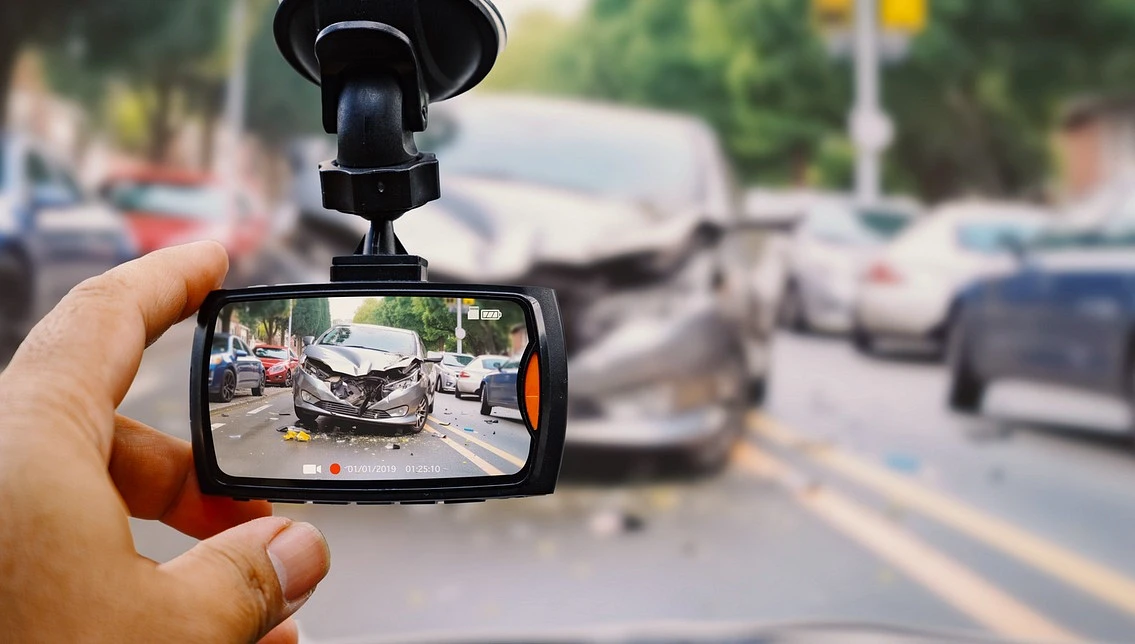
Once the situation is stable, protect your dash cam footage immediately. Hit the “lock” or “save” button on the device - or use the app. This prevents the loop recording from overwriting the clip. Note the exact time and location; this makes finding the correct file later much simpler.
-
Back the video up to your phone or computer as soon as possible. Keep the original file on the memory card too. Don’t delete it.
-
Exchange details with the other driver. Photograph all vehicle damage and the overall scene. Get witness contact information if available.
-
When you file your insurance claim, mention you have dash cam footage. Provide a copy. You can trim the start and end for sharing, but do not edit the actual content. Clear, unaltered video speeds up the claims process. It reduces arguments about what happened.
Privacy & legality
-
Dash cam legality depends on location, with audio and interior footage being the real sticking points. Recording conversations? That often falls under wiretapping statutes. In many areas, you need consent from everyone in the car - sometimes just one person, sometimes all. When in doubt, mute the mic.
-
Interior cameras add another layer. They see passengers, which raises privacy flags. Rideshare drivers and fleets commonly disclose this with a simple sticker or digital notice. It’s a straightforward heads-up.
-
Don’t forget physical placement. Even a small device can be a ticketable offense if mounted wrong. Windshield obstruction rules vary, so a legal mount in one state might not fly in another. Cross state lines? Default to the strictest rulebook you’ll encounter.
❓FAQ❓
Do I need a dash cam with a screen, or is screenless better?
A screen makes aiming and quick playback easier, while screenless cams are more discreet and can reduce cabin clutter.
What’s more important for a dash cam: 4K resolution or a better sensor?
A better sensor often matters more, especially at night - higher resolution doesn’t help much if the footage is noisy or blurry.
How much storage do I actually need?
Most drivers are fine with 128GB–256GB, which usually covers several hours to a couple days depending on channels and bitrate.
Should I buy an “endurance” microSD card?
Yes - dash cams write constantly, and endurance cards are built for that workload and tend to fail less often.
Will my dash cam work in extreme heat or freezing weather?
It depends on the power design and build quality - heat is often the bigger enemy, so look for models designed for high-temp operation and stable recording.