








TL;DR
- Flagship smartphone - Your primary camera, editing suite, and upload station all in one
- Wireless lavalier mic system - Because audio quality makes or breaks your content
- Gimbal stabilizer - Smooth footage is professional footage
- High-capacity power bank (20,000mAh+) - Keep everything alive during long shooting days
- Portable SSD (1TB+) - Fast, durable storage for your precious footage
- Universal travel adapter - Different countries, same charging needs
- Backup cloud solution - Insurance for your digital life
Introduction
Content creation has escaped the studio. Now, the creators' hustle happens in a Bali cafe, edits on the 7:15 to Berlin, and posts between flights. The game isn't mobility - we've got that. It's about nailing the work wherever you land.
Your mobile tech must be ruthless: lean, dependable, and brutally capable. That’s non-negotiable. You're building a brand or just capturing raw moments; the right gear turns "on the road" from an excuse into your advantage. Pack smart.
Cameras and Smartphones
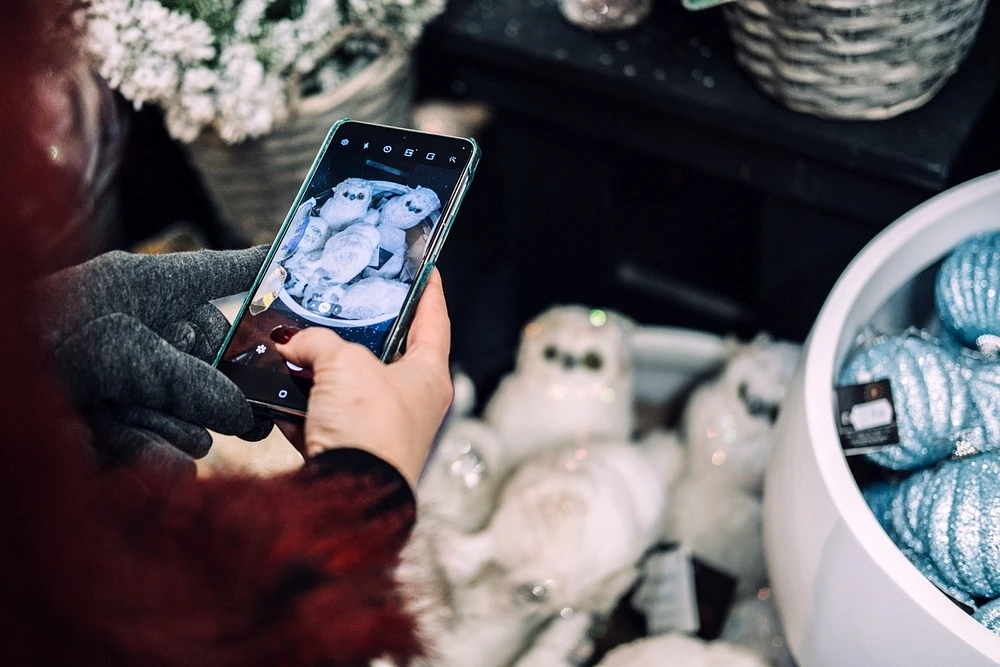
Let's be real - your iPhone 15 Pro or Samsung Galaxy S24 Ultra packs more computing power than professional cameras from five years ago. Modern smartphones offer:
- 4K/8K video recording at 60fps
- Built-in image stabilization
- Instant editing and uploading
- Always in your pocket
For most creators, especially those starting out, a flagship phone is your essential gear for vloggers. No separate device to carry, charge, or worry about.
Mirrorless & Action Cams
For shots your phone just can’t crush, step up to a mirrorless model. Think Sony ZV-E10 or Canon EOS R50. Swapping lenses changes everything - wide, tight, creamy blur behind your subject. They’re also low-light beasts, grabbing clean detail where a phone grays out.
When conditions turn extreme, that’s for action cams. A GoPro Hero 12 or DJI Osmo Action 4 is built for it: waterproof, shockproof, stupidly compact. Mount it anywhere. They dominate in the surf, on a trail, or any scenario where you’d wince throwing a phone. Pure rugged reliability.
Gimbals, Lenses, and Tripods
Shaky footage looks amateurish, even from a pro camera. It's that simple. So grab a gimbal. Models like DJI Osmo Mobile 6 or Zhiyun Smooth 5S are real game-changers. They do more than reduce shake. They actively fight every small hand tremor.
What you get is movement that feels fluid and intentional. Your video becomes smooth, cinematic. It seems planned, not accidental. This isn't just fixing jitter. You're creating a foundation for professional-looking video by isolating camera movement from your body's natural sway. Let the gimbal handle the physics. You can just focus on getting the shot.
Essential adds? Start with a clip-on wide-angle lens for smartphones; it widens your frame without distortion. Next, a compact, grippy tripod like the Joby GorillaPod for stable static shots or time-lapses. Finally, don’t skip ND filters. They cut excess light, letting you control exposure in bright sun and maintain motion blur for that fluid, professional look.
Crystal Clear Audio
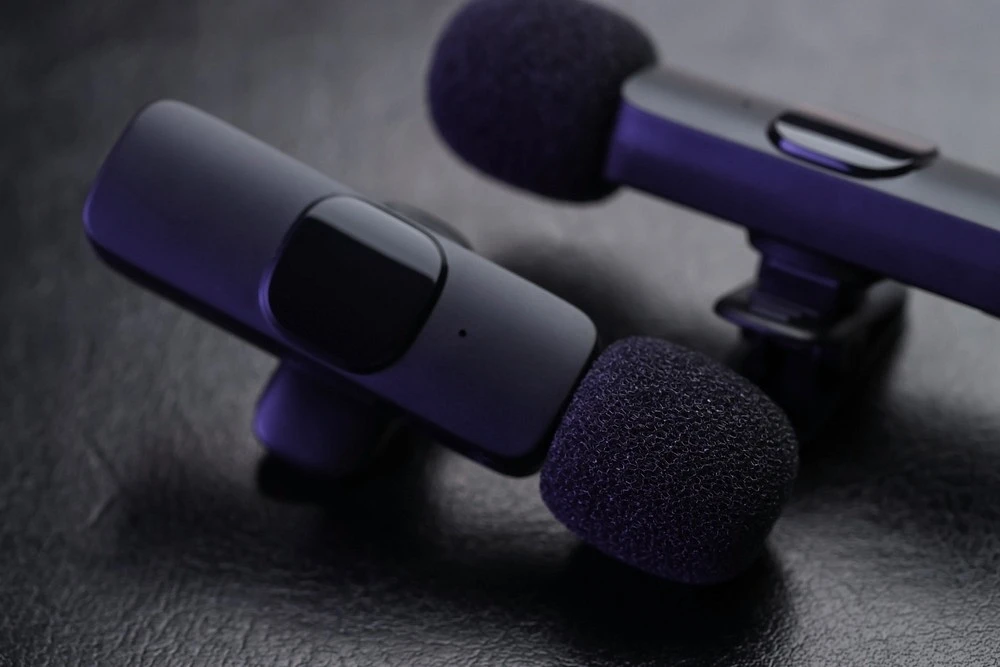
58% of folks will forgive a grainy video, yet a measly 12% will stick around if the audio is trash. If your audience can't hear you clearly, they're gone.
Wind, echo, muffled sound - that stuff murders watch time. For travel content creator gear, your first non-negotiable should be microphones. Everything else is secondary.
Lavalier Microphones for Smartphones and Cameras
Lavalier (lapel) mics clip to your clothing and capture clean dialogue even in noisy environments:
- Rode Wireless Go II - Industry standard, dual-channel, 7-hour battery
- Hollyland Lark M1 - Budget-friendly, surprisingly good quality
- DJI Mic - Killer noise cancellation, magnetic attachment
Portable Shotgun Mics for On-Location Sound
Shotgun mics save the day when you need directionality or can't clip on a lav. Take the Rode VideoMic Go II: it mounts right onto your camera or phone cage. You point it, and it grabs clear audio from that spot - handy for managing off-axis noise other mics might pick up. Its physical design is simple, no external power needed, which speeds up setup when you're moving fast.
The Rise of Wireless Mic Systems
Wireless mics are a game-changer for movement. Need to interview someone across the room? Go for it. Capture walking shots without cables? Done.
The freedom hinges on a few things. Mobility is the obvious win. Technically, dual-channel recording means you can record two people separately on one receiver. Some units even have built-in storage as a backup - a lifesaver if the signal drops.
But you trade convenience for new headaches. Battery management becomes critical; you’re now charging multiple devices. There’s always a risk of potential interference from Wi-Fi or other signals. And the tech comes at a higher cost compared to a simple wired setup.
Current reliable options include the compact DJI Mic, the feature-packed Rode Wireless Pro, and the robust Sennheiser XS Wireless Digital.
Laptops, Tablets, and Portable Storage
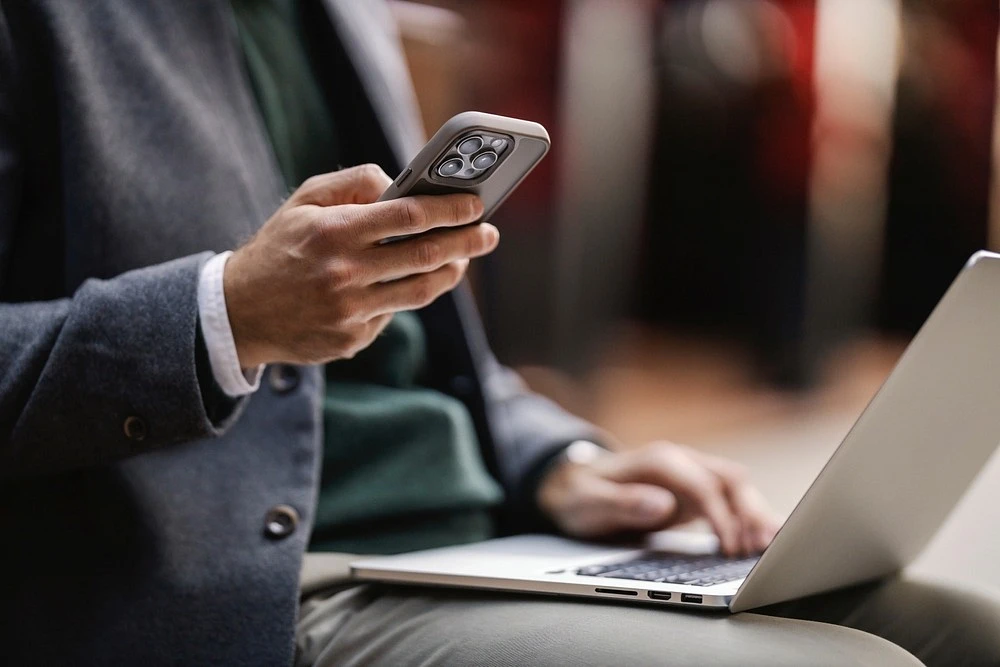
Choosing Your Mobile Editing Machine
The eternal struggle. A MacBook Pro 16" crushes 4K timelines but weighs your bag down. An ultralight laptop runs cooler and fits anywhere but might choke on complex edits.
- Power tier: MacBook Pro (M3 Pro/Max), Dell XPS 17, Razer Blade 15
- Portability tier: MacBook Air M2, ASUS Zenbook, Lenovo Yoga Slim
Match your choice to your content. Daily vlogs? Go light. Color grading and effects-heavy work? Choose power.
The iPad Pro & Galaxy Tab S Series as Editing Tools
Tablets have evolved. An iPad Pro with M2 chip and LumaFusion app handles serious editing workflows. The Galaxy Tab S9 Ultra with its included S Pen offers desktop-level multitasking in a 3-pound package.
Benefits:
- Instant-on, no boot time
- Touch-based editing feels natural
- Cellular connectivity for uploads anywhere
- Longer battery life than laptops
External SSDs and Rugged Hard Drives
Internal storage fails. Always have a backup. For speed, get a External SSDs—a 1TB model like the Samsung T7 moves files in seconds. That’s your primary overflow and edit drive.
But cost matters for pure bulk. When you’re shooting terabytes, a Rugged Hard Drives is the economical workhorse. Think LaCie Rugged. It’s slower, yeah, but it’s cheap per gigabyte and built to survive a knock. Use it for dumping raw footage and archiving. The real strategy? SSD for active projects, rugged HDD for the backlog. And remember, “rugged” means shock-resistant, not waterproof unless specified.
Speed comparison:
|
Storage Type |
Read Speed |
Durability |
Price |
|
External SSD |
1000+ MB/s |
Good |
$$$ |
|
Rugged HDD |
120 MB/s |
Excellent |
$ |
|
SD Cards |
300 MB/s |
Fragile |
$$ |
Power
High-Capacity Power Banks
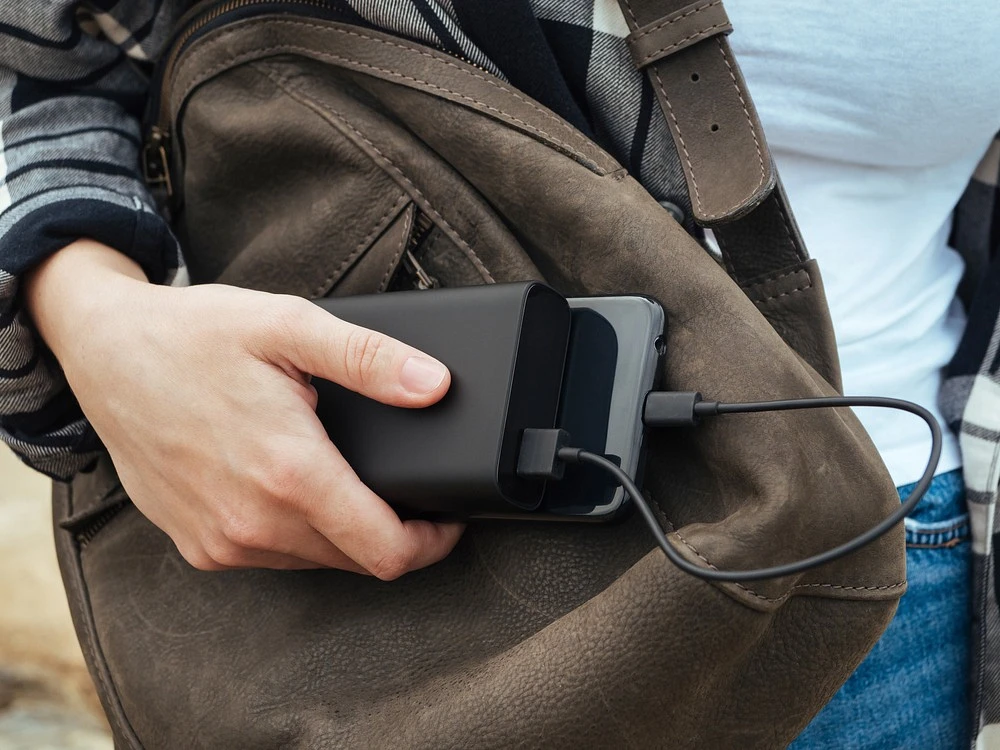
That dead battery moment during a shoot? Pure panic. Skip the generic power banks. Power Delivery (PD) is non-negotiable. You need a 20,000-30,000mAh reservoir that can resurrect a laptop, not just a phone.
Output: 65W+ PD is the key spec - it actually charges a MacBook Pro at full speed. Ports matter: multiple USB-C for modern gear, USB-A as legacy backup. Size needs to be jacket-pocketable, not backpack-bulk.
Models like the Anker 737 nail this. The RAVPower pack offers massive capacity, while Baseus balances cost and performance. It’s insurance for your workflow.
Solar Chargers and Portable Power Stations for Extended Trips
Heading somewhere remote? Toss a BigBlue 28W or Nekteck 21W solar panel in your pack. They’re slow, but they’ll trickle-juice your power bank while you hike. For serious, multi-day backcountry shoots where you need reliable AC, skip the panels. Haul a portable power station instead. The Jackery Explorer 240 is a lighter, simpler brick. The EcoFlow River 2 charges faster and offers pure sine wave output - safer for sensitive electronics. Your choice boils down to weight versus run-time math.
The Universal Travel Adapter
Plug types change at every border. Instead of hauling a mess of plugs, get one universal travel adapter (like EPICKA or Ceptics). It covers North America, Europe, the UK, Australia, and Asia. The real win? Built-in USB ports. For about $20, it eliminates the frantic hotel-room search for a working socket. Pure logistical relief.
Connectivity & Backup
Portable Wi-Fi Hotspots vs. Global eSIM Plans
Uploading content requires internet. Hotel WiFi is unreliable and often slow. Solutions:
Portable hotspots (Skyroam, GlocalMe):
✓ Share connection with multiple devices
✓ No SIM swapping
✗ Additional device to charge and carry
Global eSIM plans (Airalo, Holafly):
✓ Uses your phone's eSIM capability
✓ One less device
✗ Doesn't share connection as easily
Most creators prefer eSIMs for simplicity.
The 3-2-1 Backup Rule for Traveling Creators
Losing footage is catastrophic. Follow this rule:
- 3 copies of your data
- 2 different media types (SSD + cloud)
- 1 offsite backup (cloud storage)
Upload to Google Drive, Dropbox, or iCloud incrementally throughout your trip. It's insurance you'll never regret.
Multi-port Hubs and Card Readers
A USB-C hub transforms your laptop into a full workstation. Look for models with:
- SD/microSD card slots
- HDMI output
- USB-A ports
- Ethernet port
- PD passthrough charging
The Anker 7-in-1 or CalDigit USB-C Pro Dock streamline your workflow massively.
Conclusion
Forget blowing your budget. A solid mobile creation kit grows from the ground up. First, lock down your absolute essentials and test them extensively in real conditions. Does that mic handle wind noise? Can your phone edit a full project without crashing? This hands-on trial tells you what to expand based on actual needs later.
The real strategy is to prioritize reliability over flash. A boring, sturdy tripod that always works beats a glitchy gimbal every time. Your gear is just a conduit. The value - the story, the angle, the feel - comes from you. Tech gets outdated; a distinct point of view doesn’t. Now go shoot.
FAQ
What is the single most important piece of tech for a beginner creator on a budget?
For a new creator watching costs, one tool stands out. Use your smartphone. Today's iPhones and top Android models are surprisingly capable. They shoot great video, run solid editing apps, and connect to external gear without fuss. Grab a $30 Rode VideoMicro for sound and a $15 tripod. That's it. With phone in hand and about $50 more, you're set to start. That’s where the magic happens.
Can you make professional content using just a smartphone?
Yes, you can. Entire films at Sundance have been shot on iPhones. Plenty of popular YouTube channels rely on phones as main cameras. Your phone isn’t the limit. What matters more is lighting, audio, and storytelling. Getting good with those basics turns your phone into a pro tool. It’s an agile way to work. Success here asks for tenacity, sure. But get it right, and your work becomes more resonant.
How do I manage and charge all these devices efficiently while traveling?
Keep all your cables and gadgets in one organizer pouch. It makes a big difference. Brands like Peak Design or Bellroy make great ones. Use a multi-port GaN charger too - plug four devices into one outlet overnight. Label cables and batteries so you grab the right one fast. Set a nightly routine to charge everything. This approach ensures you stay consistently powered up. Your preparedness lets travels run smoothly.
What's a good mid-range camera for someone upgrading from a smartphone?
A good mid-range camera makes a serious step up. Consider options like Canon EOS R50 or Sony ZV-E10. Their price sits around $700 to 900.
You get interchangeable lenses and excellent autofocus. That’s a big step up from any phone. Dedicated video features are also included. Both cameras stay compact for travel.
Image quality improves noticeably, especially in low light. It’s a great choice for better photos without being too bulky. This perfect match of size and performance is hard to beat.