






TL;DR:
-
Choose an iPad if: You already own an iPhone or Mac, need premium apps like Procreate, value smooth software updates, and don't mind paying extra for polish.
-
Choose an Android if: You want more bang for your buck, need flexibility in file management and customization, or already live in the Google/Windows ecosystem.
The Big Picture: Ecosystem vs. Flexibility
iPad or Android debate is more about philosophy than just specs.
Apple offers a walled garden. Everything talks to everything else - your phone, laptop, tablet, and even your AirPods. Updates arrive fast. App quality is consistently high. But you pay a premium, and Apple decides what you can and can't do.
Android tablets give you options. Budget models start dirt cheap. You can expand storage, sideload apps, and customize almost everything. But quality varies wildly between brands, and software updates can be hit-or-miss.
Key Factors to Help You Decide
1. Price and Budget
Money talks, and it says different things depending on which camp you're in.
Entry-level iPads start around $350-$450. That's decent, but not cheap. The iPad Pro? You're looking at $800-$1,200+. Ouch.
Android tablets span a wild range. Budget models from brands like Lenovo or Samsung start at $150-$250. Mid-range options with solid specs hit $300-$500. Premium models like the Samsung Galaxy Tab S9 Ultra compete directly with iPad Pro pricing.
Bottom line: Android wins if your wallet is crying. iPad makes sense if you're willing to invest.
2. Apps and Software
App quality matters more than quantity, and this is where Android tablet vs iPad gets interesting.
iPadOS apps are generally optimized for tablet screens. Developers take iPad seriously. Apps like Procreate, GoodNotes, and Affinity Photo either don't exist on Android or suck in comparison. Updates arrive consistently for years (5-7 typically).
Android has more apps overall, including stuff Apple would never approve. Freedom! But many are just blown-up phone apps that look weird on big screens. Quality varies. Software updates depend on manufacturer - Samsung is solid, others not so much (2-3 years if you're lucky).
If you need specific pro apps, check availability before buying. That's the move.
3. What You Already Own
Your existing tech creates invisible handcuffs.
Got an iPhone? An iPad slots in beautifully. Copy-paste between devices, AirDrop files instantly, start a Safari tab on one and finish it on another. It just works.
Use Android phones or Windows laptops? Android tablets play nicer with Google services and offer easier file transfers. You won't fight with your ecosystem daily.
Switching platforms means rebuilding habits and losing some convenience. Not a dealbreaker, just something to consider when you're choosing a tablet.
4. Your Primary Use Case
Match your needs to the right platform:
For students and note-taking:
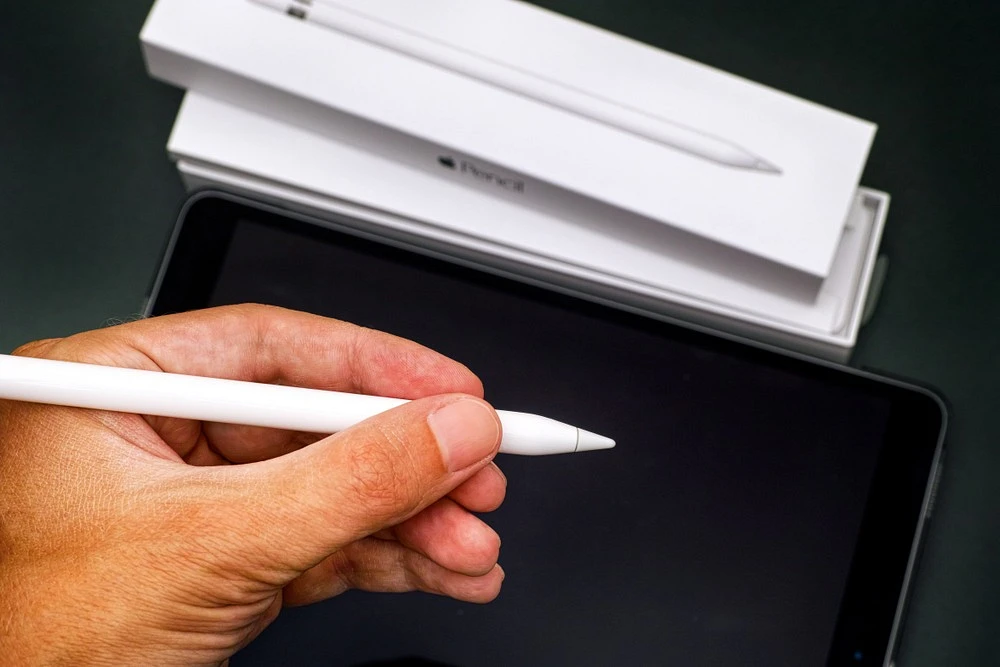
- iPad + Apple Pencil = excellent handwriting recognition and note apps
- Samsung Tab + S Pen = solid alternative, often cheaper
- Verdict: Tie. Both work great; budget decides.
For creators and artists:
- iPad dominates thanks to Procreate and professional drawing apps
- Android options exist but lack polish
- Verdict: iPad wins by a mile.
For media and entertainment:
- Many Android tablets offer OLED screens and wider aspect ratios
- Better value per dollar for streaming and gaming
- Verdict: Android offers more bang for your buck.
Conclusion
How to choose a tablet boils down to priorities. Do you want Apple's polished ecosystem and premium app experience? Or do you value flexibility, customization, and better bang for your buck?
Start here:
- Set your budget
- List your top 3 use cases
- Check which specific apps you need
- Consider what other devices you own
Neither option is "wrong." They're just different tools for different people. Pick the one that fits your life, not someone else's recommendation.
Frequently Asked Questions (FAQ)
Which is better for drawing, iPad or Android?
iPad takes this round easily. Procreate alone makes it the go-to for digital artists. Apple Pencil is smooth as butter.
Do Android tablets get as long software support as iPads?
iPads typically get 5-7 years of updates. Android tablets usually get 2-4 years, depending on the manufacturer.
Can I use Microsoft Office on both?
Yes, Microsoft Office runs on both platforms.
Is an iPad worth the higher price?
If you need pro apps, tight ecosystem integration, or long-term support, absolutely. For casual use or tight budgets, probably not.
Which is easier for a beginner to use?
iPad has a gentler learning curve. Android offers more freedom but can overwhelm newbies with options.