







Introduction
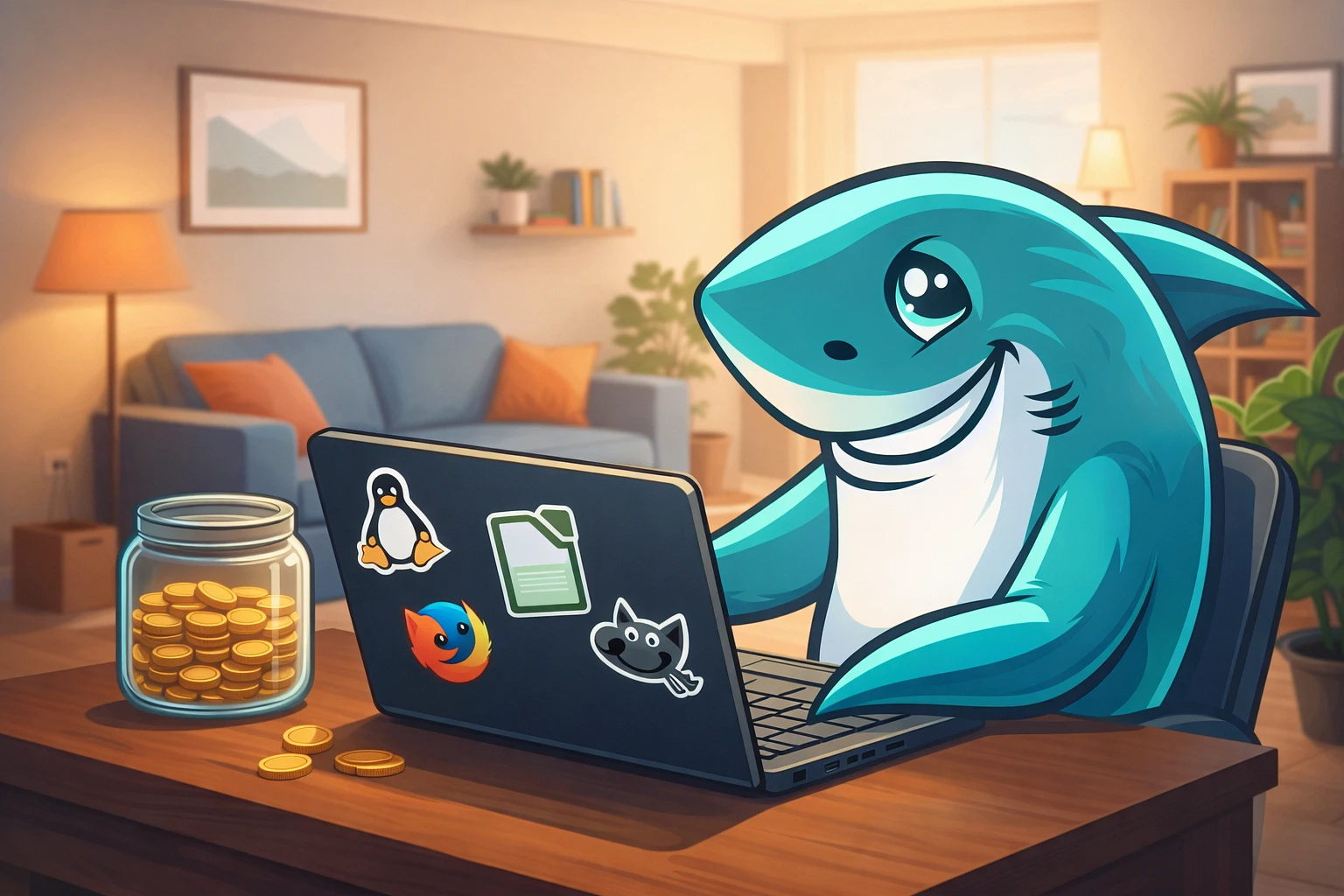
Your bank statement is crying. Adobe wants another $60 this month. Microsoft Office just auto-renewed. Zoom's premium tier seemed like a good idea at 2 AM during that pandemic panic.
You're probably paying for features you barely touch, while alternatives that do 80-90% of what you need exist for exactly zero dollars. We're not talking sketchy downloads from questionable forums. We're talking legitimate, community-backed, professional-grade software.
TL;DR
Not interested in philosophy? Just want recommendations? Here's your cheat sheet:
|
Paid Software |
Open-Source Alternative |
Best For |
|
Adobe Photoshop |
GIMP |
Photo editing, retouching |
|
Adobe Illustrator |
Inkscape |
Vector graphics, logos |
|
Adobe Premiere Pro |
DaVinci Resolve (Free version) / Kdenlive |
Video editing |
|
Microsoft Office 365 |
LibreOffice / OnlyOffice |
Documents, spreadsheets |
|
Microsoft Visio |
Draw.io |
Diagrams, flowcharts |
|
Notion / Evernote |
Joplin / Obsidian |
Note-taking, knowledge bases |
|
Slack / Teams |
Mattermost / Rocket.Chat |
Team communication |
|
Zoom |
Jitsi Meet |
Video conferencing |
|
Adobe Acrobat |
PDFsam Basic |
PDF editing |
|
WinRAR |
7-Zip |
File compression |
Key takeaway: You've got free alternatives to pretty much every major paid app.
The Philosophy of Open-Source
What Does "Open-Source" Mean?
What “open-source” means goes beyond free access. You get the source code. This lets you inspect it, line by line. You can modify it. You can redistribute your version. It’s a legal and technical framework.
Think of a recipe, but with the legal right to tweak it and sell your altered dish. The core is the license - it’s the engine. Without it, you just have a free binary, not true open-source. You can audit for security, add features, or package it differently.
This transparency matters because:
- No hidden data collection
- Community can fix bugs faster than corporate red tape
- Software doesn't die when a company shuts down
- You're not locked into one vendor's ecosystem
Security, Customization, and Community
These advantages are what make FOSS unique:
- Security through transparency: When thousands of developers can peek under the hood, vulnerabilities get spotted fast. Proprietary software? You're trusting that Corporation X actually found all the holes.
- Customization freedom: Don't like how something works? Change it. Or find someone who already did. Try asking Adobe to tweak Photoshop's interface just for you. I'll wait.
- Community > Corporate: Stuck at 3 AM on a project? FOSS alternatives often have vibrant forums where actual users (not tier-1 support reading scripts) help each other. Plus, no hold music.
Addressing Common Myths
Myth: "Open-source looks like it's from 1995."
Reality: Many modern open-source tools have sleeker interfaces than their paid counterparts. Penpot rivals Figma. OnlyOffice looks nearly identical to Microsoft Office.
Myth: "If it's free, it must be worse."
Reality: Linux runs most of the internet. Android is open-source. Firefox exists. Quality isn't about price tags.
Myth: "I'll need a computer science degree."
Reality: Ubuntu installs easier than Windows. LibreOffice works exactly how you'd expect. Most open source software alternatives deliberately target regular users now.
Category-by-Category FOSS Alternatives
Creativity & Design Suite
-
Adobe Photoshop → GIMP
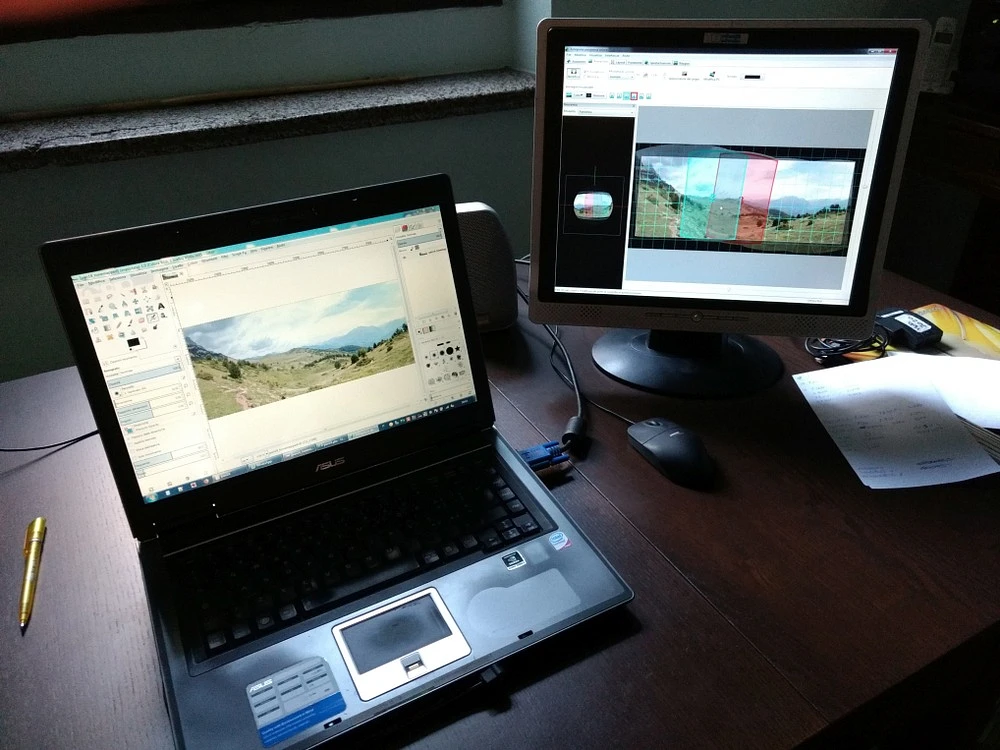
Look at GIMP (GNU Image Manipulation Program). Its interface isn't slick, but as an open-source editor, it's wildly capable. You get professional tools - layers, masks, a full filter suite—essentially mirroring a Photoshop workflow without the cost.
The real learning curve is about mentality. You have to ditch the muscle memory Adobe ingrained. Once you stop fighting its logic, GIMP’s own efficiency emerges. It’s powerful, just on its own terms.
Bonus: No Creative Cloud login required at 11 PM before a deadline.
-
Adobe Illustrator → Inkscape
Vector graphics without the subscription hangover. Inkscape exports to basically every format imaginable and handles complex path operations like a champ. Professional designers use this. You can too.
-
Adobe Premiere Pro / Final Cut Pro → DaVinci Resolve (Free version) / Kdenlive
DaVinci Resolve offers its free version with features that Adobe typically places behind paywalls. Sure, professional colorists often upgrade to the paid Studio version, but many hobbyists and indie creators completely crush it using just the free tier. Meanwhile, Kdenlive delivers steadily for Linux users and genuinely keeps getting better with each release.
-
Figma (for UI/UX) → Penpot
Figma turned proprietary after Adobe tried to buy it. That's where Penpot came in. It's an open source option, built for real-time collaboration and design systems. Its workflow runs in a browser, which is pretty intuitive. The tool is still growing, yet it's already versatile enough for real project work.
Productivity & Office
-
Microsoft Office 365 → LibreOffice (Primary) / OnlyOffice (Alternative)
LibreOffice is your open source office suite workhorse. Writer handles documents, Calc manages spreadsheets, Impress creates presentations. Compatibility with Microsoft formats keeps improving.
OnlyOffice nails the "looks exactly like Office" aesthetic if that matters to your workflow or clients.
-
Microsoft Visio → Draw.io (Diagrams.net)
Browser-based, desktop versions available, integrates with cloud storage. Flowcharts, network diagrams, org charts - all covered without Visio's enterprise pricing.
-
Notion / Evernote → Joplin / Obsidian
Joplin syncs across devices and supports markdown. Obsidian (technically source-available, not pure open-source) builds powerful knowledge graphs from plain text files. Both respect your data ownership.
Operating Systems & Development
-
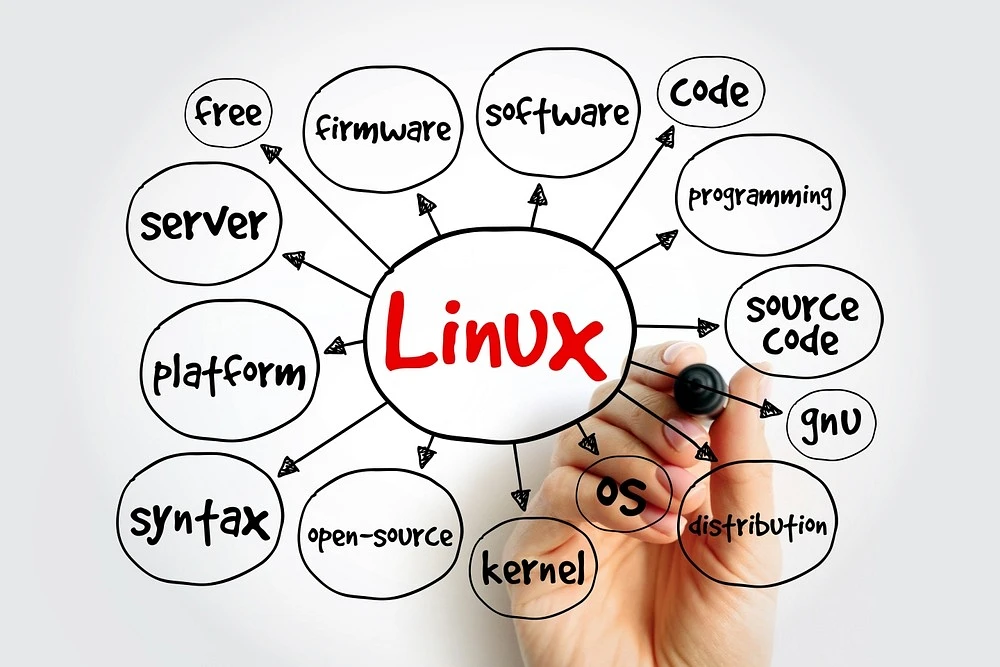
Microsoft Windows → Linux Distributions (Ubuntu, Linux Mint, Fedora)
Gaming held Linux back for years. Not anymore. Steam's Proton compatibility layer runs most Windows games. Ubuntu and Mint install straightforward, look polished, and don't phone home telemetry constantly.
Bonus: Old laptop running slow? Linux gives it new life.
-
GitHub (Cloud) → Self-hosted GitLab / Gitea
GitHub got bought by Microsoft. If you prefer owning your infrastructure, GitLab and Gitea let you run your own repositories. Full control, zero corporate overlords.
-
Various IDEs
Visual Studio Code is already open-source. Eclipse and Apache NetBeans continue serving Java developers and others who need specialized environments.
Communication & Collaboration
-
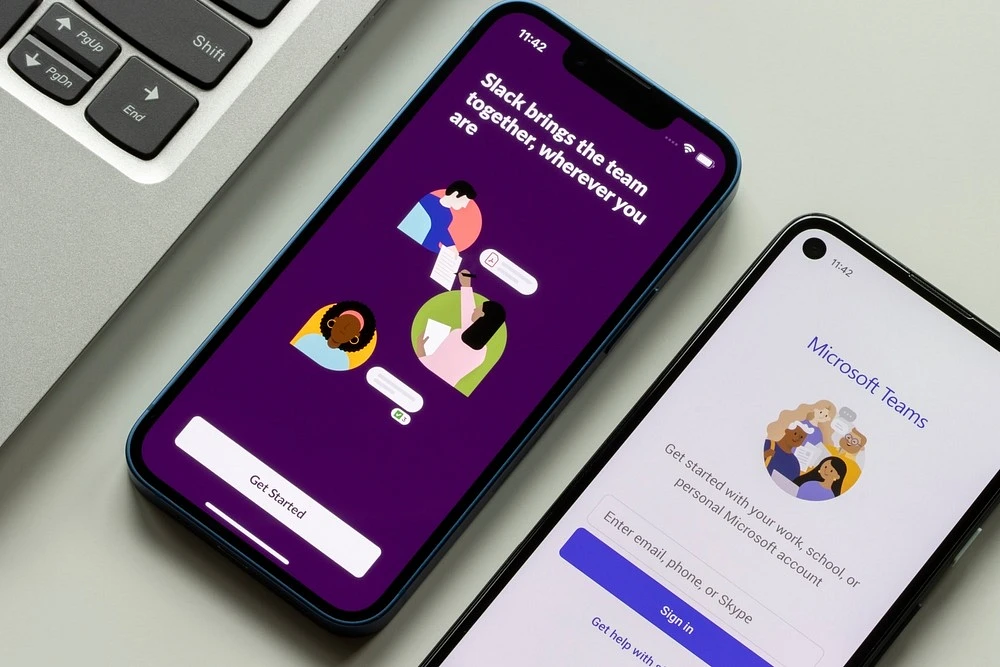
Slack / Microsoft Teams → Mattermost / Rocket.Chat
Self-hosted Slack clones without per-user monthly charges. Your data stays on your servers. Teams larger than startups save thousands annually.
-
Zoom / Skype → Jitsi Meet
No account required. No time limits on free tier. Encrypted. Browser-based or app-based. Honestly, what more do you want?
-
Outlook / Gmail Client → Thunderbird
Mozilla's email client handles multiple accounts, calendars, and addons. Familiar interface, zero tracking, works offline properly unlike web clients.
Utilities & System Tools
-
Adobe Acrobat → PDFsam Basic / LibreOffice Draw
Split, merge, rotate PDFs without Adobe's bloat. LibreOffice Draw even handles basic editing when you need to change text.
-
WinRAR / WinZip → 7-Zip / PeaZip
That WinRAR trial expired in 2003. 7-Zip compresses better, extracts everything, and doesn't nag. PeaZip adds a prettier GUI if that's your thing.
-
Various Password Managers → KeePassXC / Bitwarden
KeePassXC keeps your encrypted database locally. Bitwarden's core is open-source and offers cloud sync options. Both beat trusting LastPass after their breach incidents.
Making the Switch
-
Embracing a Different Workflow
Expect differences, not deficiencies. GIMP doesn't have "content-aware fill" - it has "resynthesizer." Different name, similar result. Keyboard shortcuts won't match. Muscle memory takes weeks to rebuild.
Start with one swap: Don't nuke your entire software stack in one weekend. Replace one tool, get comfortable, then tackle the next.
-
Communities, Forums, and Documentation
Each major project has:
- Official documentation (usually surprisingly good)
- Reddit communities (r/GIMP, r/linux4noobs, etc.)
- YouTube tutorial channels
- Stack Exchange sites
Pro tip: Search "[software name] vs [paid equivalent]" for targeted migration guides.
-
Using Open-Source Alongside Paid Tools
You don't need ideological purity. Use LibreOffice for personal docs but keep Office for client-facing work if compatibility matters. Run GIMP for quick edits, Photoshop for professional projects.
Saving $50/month beats saving $0/month while making your life harder.
Wrapping Up
Switching to the best open source software 2026 doesn't mean sacrificing quality. It means escaping subscription treadmills, owning your tools, and joining communities that actually care about users over quarterly earnings reports.
Start small. Pick one annoying subscription and find its open-source twin. You might discover you've been paying premium prices for basic features all along.
FAQ
Is open-source software really safe and secure?
Generally safer than proprietary alternatives. Code transparency means vulnerabilities get found and patched faster. No company can hide sketchy data collection. That said, download from official sources only - sketchy third-party mirrors exist.
What if I need professional support for an open-source tool?
Many projects offer paid support contracts. Red Hat built a billion-dollar business around enterprise Linux support. LibreOffice, GitLab, and others sell professional services. You're not stranded.
Can open-source software handle proprietary file formats (like .PSD or .DOCX)?
Mostly yes. LibreOffice opens .DOCX files reliably. GIMP imports .PSD layers. Compatibility isn't always perfect - complex Office macros might break, advanced Photoshop features may not transfer. Test before committing.
How do open-source projects make money if software is free?
Multiple models:
- Paid support contracts
- Hosted/cloud versions (like Bitwarden Premium)
- Donations from users and companies
- Dual licensing (open core, premium features)
- Consulting services
Turns out giving away software can still build sustainable businesses.