








TL;DR
Here's what you should buy:
- Best Overall for Most Home Offices: Epson EcoTank ET-3950 - Its running costs are ridiculously low. You'll basically never buy ink again. Also has automatic duplex scanning, which saves time if you're handling multi-page documents.
- Best for Text & Speed (Laser): Brother MFC-L2900DW XL - It's a monochrome laser, so it's strictly black and white. But it's compact, leaves almost no footprint on your desk, and chews through pages fast. Ideal if you mostly print contracts or drafts.
- Best Budget Friendly: Canon Pixma TS7650i - You're not gonna hammer it with thousands of pages. For light, occasional use - like printing recipes or school assignments - it delivers way more than the price tag suggests.
- Best for High Volume/Tabloid: Brother MFC-J6955DW - Handles legal documents and large spreadsheets like a boss. If you deal with wide-format stuff regularly, this thing won't choke.
Inkjet vs. Laser
The Case for Inkjet (Specifically Tank Printers)
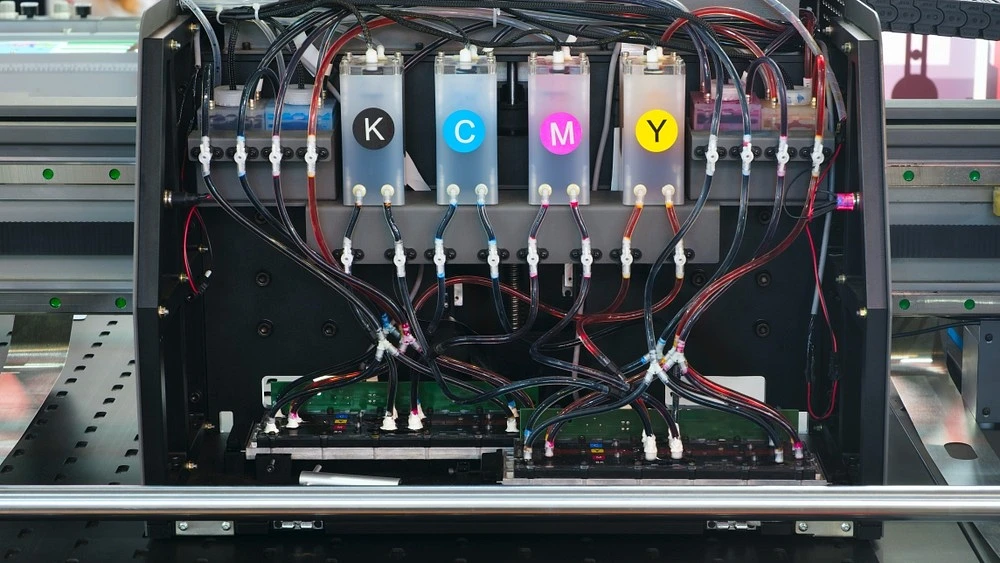
Old-school inkjet cartridges are basically a scam. But low cost ink printer models flip that model on its head.
Instead of those tiny cartridges that run dry after 200 pages, they use refillable bottles. We're talking pennies per page instead of quarters. The Epson EcoTank series, for example, runs about 0.3 cents for black-and-white and just over a cent for color.
Yes, you'll pay more upfront - maybe $300–400 instead of a hundred bucks. But here's the catch few people consider: the math only works if you actually print. A lot. Most folks overestimate their volume, so they end up with an expensive machine that just sits there collecting dust.
For those who do hit 200+ pages monthly, though, you break even within a year. After that? Pure savings.
Best for: Home offices cranking out color docs, moderate-to-high volume printing, or the occasional photo project.
The Case for Laser (Monochrome)
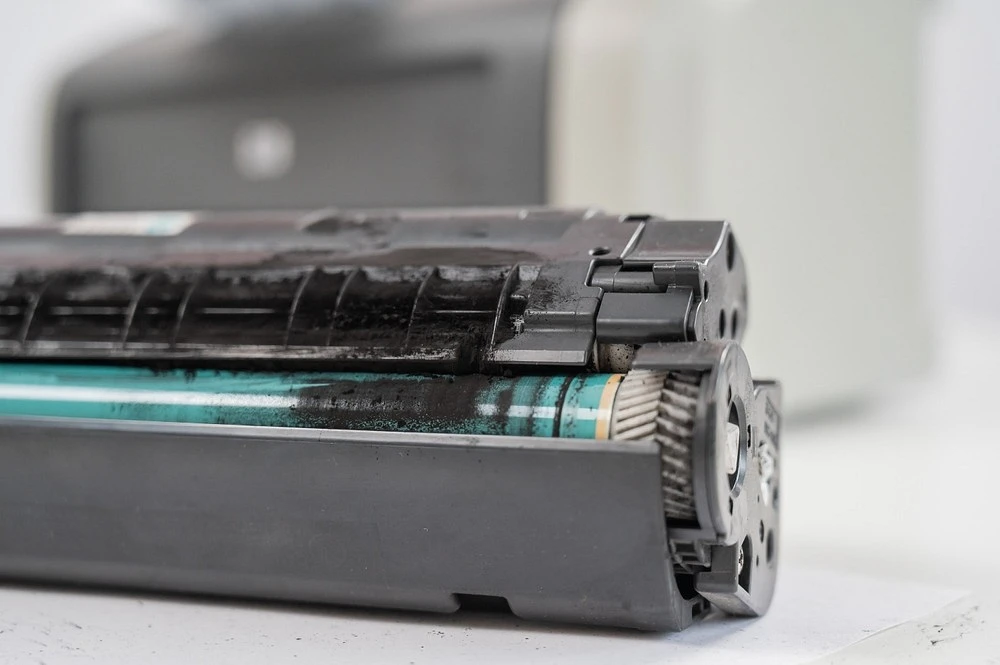
Printing plain text? Go for a laser.
These machines are still the champs for pumping out documents fast. If your work is all contracts, reports, or invoices - stuff where color is irrelevant - a monochrome laser printer is a practical move.
The tech itself is different. Toner is a powder, not a liquid. This means it doesn’t dry up or clog nozzles if the printer sits idle for a few weeks. You can ignore it for a month, then fire it up for a rush job without cleaning cycles or test pages. It just works.
Consider the numbers. The Brother MFC-L2900DW, for example, spits out 36 pages per minute. That’s roughly double the speed of many common inkjet models. That kind of pace changes things for a busy office. It handles high-volume days without slowing you down, but it’s also forgiving for sporadic use. You get reliability and raw speed, even if you sacrifice color.
Key Features to Consider Before Buying
First up, the real cost of ownership. The purchase price is a trap. You need to look at the Running Costs (CPP) . That’s Cost Per Page. A laser printer might sip toner at 0.3 cents a page. But some inkjet cartridges? They can gouge you for 25 cents per page. If you print 10,000 pages a year, one setup costs you $30. The other burns through $2,500. The difference is massive.
Next, think about how you actually feed paper into the thing. If you scan contracts, receipts, or multi-page anything, you want an Automatic Document Feeder (ADF) . Stack the whole pile in and walk away. You don't have to stand there feeding each page manually. And check for duplexing - automatic two-sided printing. It halves your paper use and saves you from flipping stacks manually.
It's got to have solid Connectivity. Wi-Fi is standard, as is Apple AirPrint support. But the real utility is in the apps. Brother iPrint&Scan, HP Smart, and Epson Connect are the big ones. You can be on the couch, still in pajamas, and fire off a print job from your phone without ever touching a USB cable.
The Best Printers for Home Office Use
1. Epson EcoTank ET-3950
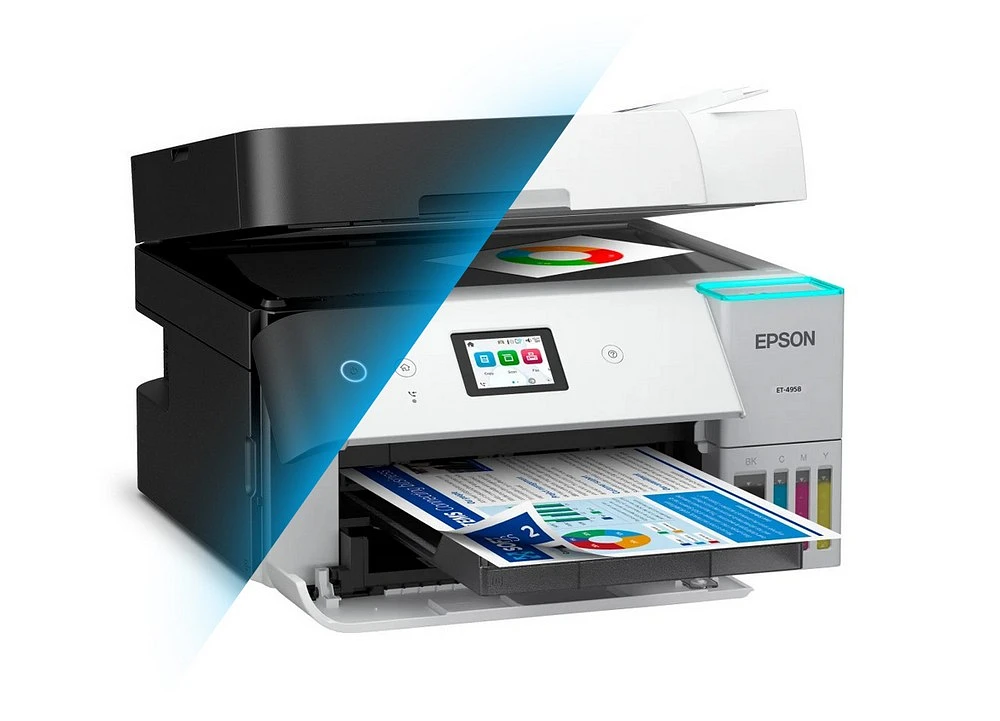
This is the best all-in-one printer for most home offices, period.
Key Specs:
- Print speed: 18 ppm (black) / 9 ppm (color)
- 250-sheet paper tray
- 30-page ADF with auto-duplex scanning
Pros:
- Ridiculously low running costs (0.29¢ mono / 1.1¢ color)
- Robust mobile features
- Excellent print quality for a home office
- Tank system means you refill, not replace
Cons:
- Higher initial purchase price ($350-400)
- Reversing ADF (slower than single-pass)
Best For: Home offices with 500-1,600 monthly pages where color matters.
2. Brother MFC-L2900DW XL
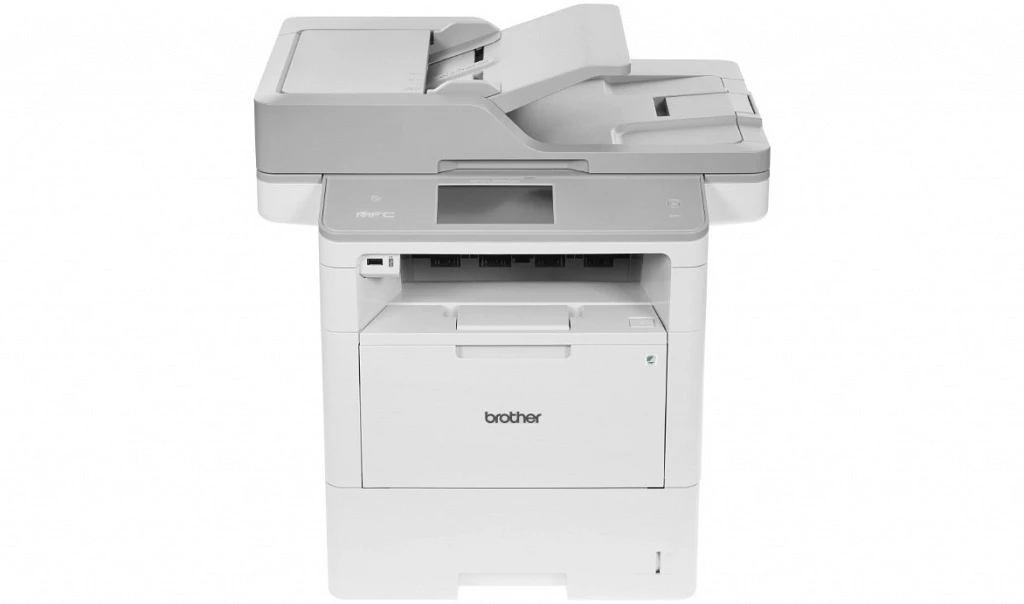
This monochrome laser fits where others don't.
Key Specs:
- Print speed: 36 ppm
- 250-sheet paper tray
- 50-sheet ADF
- Tiny footprint
Pros:
- Crisp text quality
- Fast printing
- Reliable laser tech (no drying ink worries)
- Single-pass duplex scanning
Cons:
- No color printing
Best For: Offices printing mostly text documents, contracts, or reports who want a small device.
3. Brother MFC-J6955DW
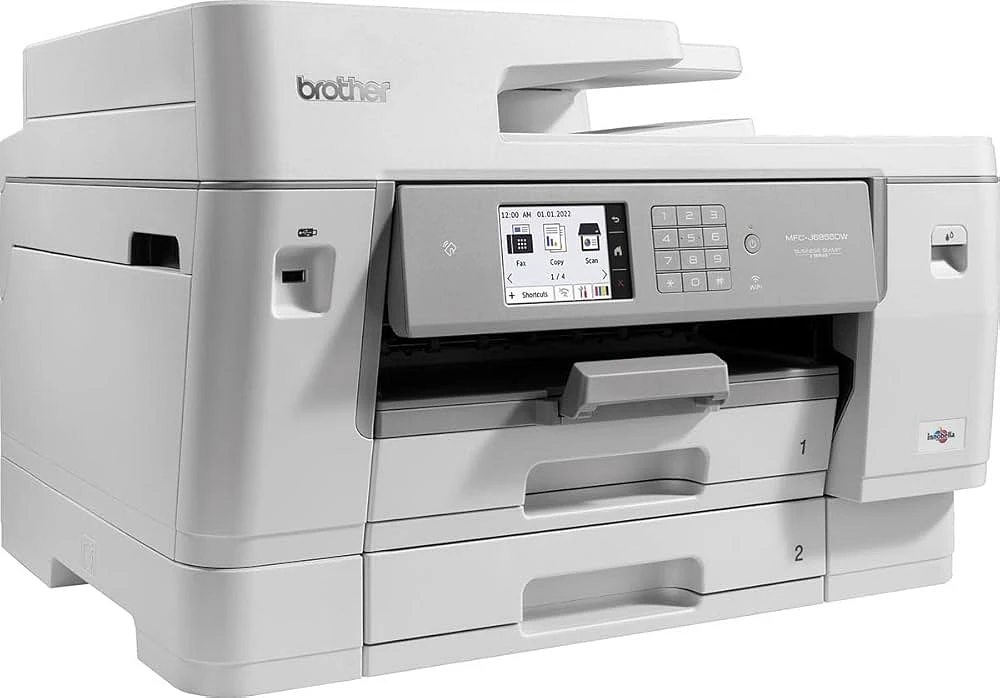
Need to print 11"x17" spreadsheets or architectural plans? This is your machine.
Key Specs:
- Prints tabloid size (11"x17")
- Three paper trays (250+250+100)
- Single-pass duplex scanning
- 30 ppm print speed
Pros:
- Handles large paper sizes
- Massive paper capacity
- Very low cost per page (1¢ mono / 4.9¢ color)
- Built for serious productivity
Cons:
- Large footprint
- Overkill for basic users
Best For: Architects, engineers, or home businesses needing large spreadsheets or marketing materials.
Comparison Table
|
Model |
Type |
Monthly Volume |
Cost/Page (B&W) |
Best Feature |
|
Epson ET-3950 |
Tank Inkjet |
500-1,600 |
0.29¢ |
Lowest ink costs |
|
Brother MFC-L2900DW |
Laser |
Up to 2,500 |
~2¢ |
Compact & fast |
|
Brother MFC-J6955DW |
Inkjet |
Up to 3,000 |
1¢ |
Tabloid printing |
|
Canon TS7650i |
Inkjet |
Up to 300 |
~8¢ |
Budget-friendly |
Conclusion
Here's your buying triangle for the best printers for home office 2026:
Want low cost-per-page? Get the Epson EcoTank ET-3950. You'll save hundreds over two years.
Want compact text quality? Get the Brother MFC-L2900DW. Fast, reliable, fits anywhere.
Need to print large documents? Get the Brother MFC-J6955DW. Tabloid printing changes the game for certain professions.
FAQ
How many pages should I expect to print per month?
For a home office setup, it depends on your workflow. If you're just printing the occasional document or a few forms, you’re looking at light use - roughly 100 to 500 pages. Bump that up to moderate, and we're talking 500 to 1,500 pages a month. That’s where most small businesses or heavy remote workers land.
What's the difference between a reversing ADF and a single-pass ADF?
A single-pass scanner, like the one crammed into a Brother MFC-J6955DW, uses two separate scanning sensors. They don’t take turns. As the page slides through, one sensor grabs the front, the other snaps the back. All in one pass. The thing is genuinely fast. No flipping, no waiting for a second scan to start. It just happens.
A duplex ADF - like the one in an Epson ET-3950 - runs on a single sensor. Here’s how it plays out: it grabs the front side first, then sucks the page back in, flips it, and finally scans the back. Yeah, it’s slower than the dual-sensor setup, no question. But for the random double-sided scan here and there? Still beats flipping pages manually.
Is it worth buying a "tank" printer for my home office?
If you're printing over 200 pages a month, yeah, an EcoTank makes sense. The initial price tag is a hurdle - we're talking $300 to $400 compared to a standard printer at around a hundred bucks. But you make that money back. The math flips in your favor within the first year because you're not constantly buying cartridges. You're buying ink bottles for $12-15, and those things last for thousands of pages, not just a couple hundred. That's the real saving.
Can I print from my phone without a computer?
Absolutely. Almost any printer bought in the last five or six years will work straight from a phone. You’ve got Apple’s AirPrint, Google’s built-in solution, or the brand’s own app - like HP Smart or Epson iPrint. Means you could be standing in the kitchen, waiting for coffee to brew, and just tap send. No need to boot up a laptop at all.
Why do printer ink cartridges cost so much?
It’s the classic razor and blades setup. Sell the printer at a loss, make the money back on cartridges. Tank printers flipped that. They ditched the expensive, proprietary cartridges for refillable ink bottles.